Share and export
On this page
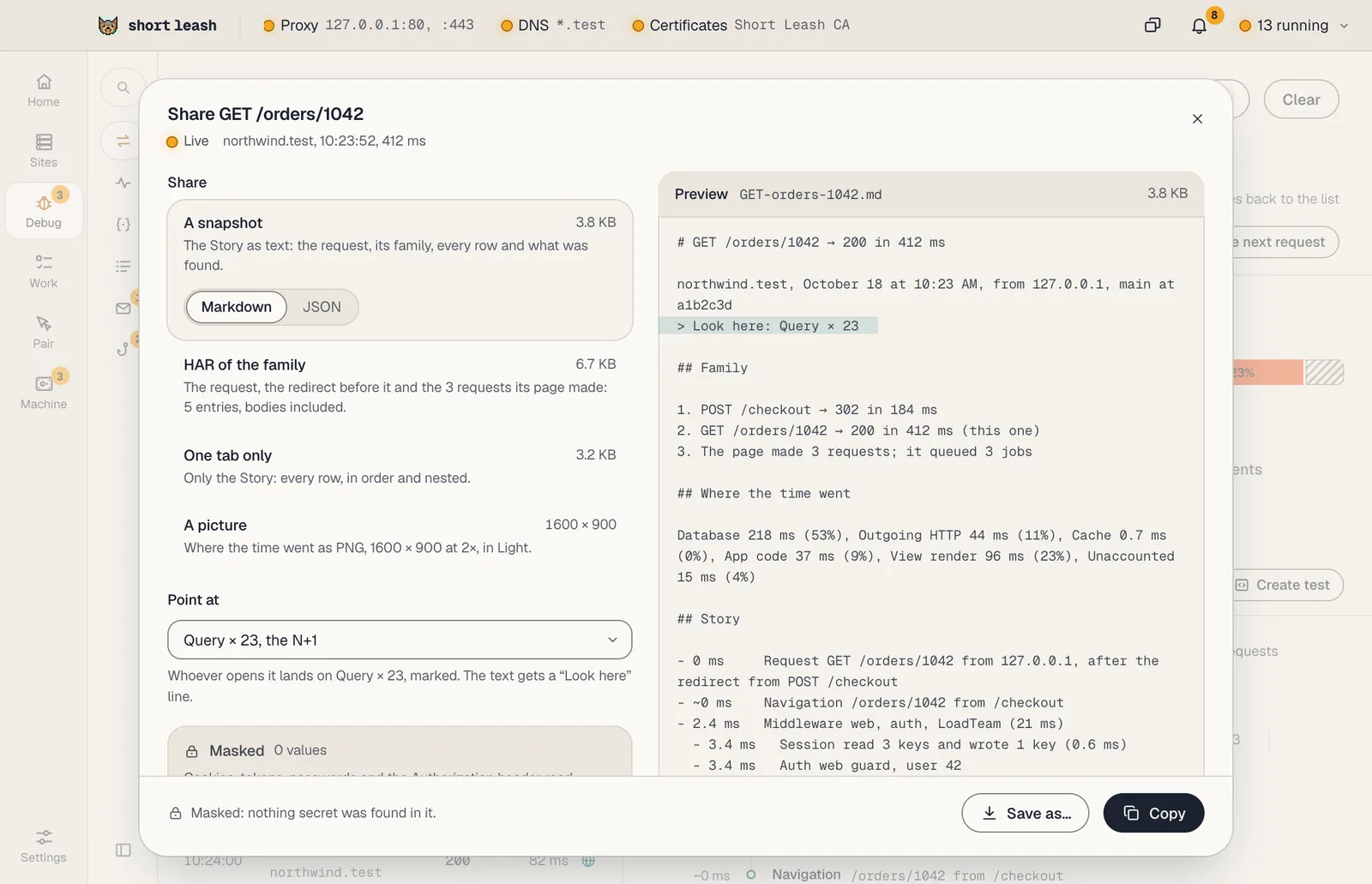
Share…, beside a request's Story and in an issue's header, makes something you can hand on: a file for a bug report, a snapshot for a pull request or a coding agent, or a view your Pair call can read with you.
Share and export is part of Short Leash Pro, like the rest of the Monitor.
What can I share?
| Choice | What it holds |
|---|---|
| A snapshot | The Story as text, in Markdown or JSON: the request, its family, every row and what was found. For an issue: its message, stack, where it happens and the latest occurrence |
| HAR of the family | The request with the redirects before and after it, its page and the requests its page made, bodies included, for browser tools that open HAR files |
| One tab only | One part: the Story, Timeline, Queries, Events, Exception, Request or Response. For an issue: its stack trace, occurrences or where it happens |
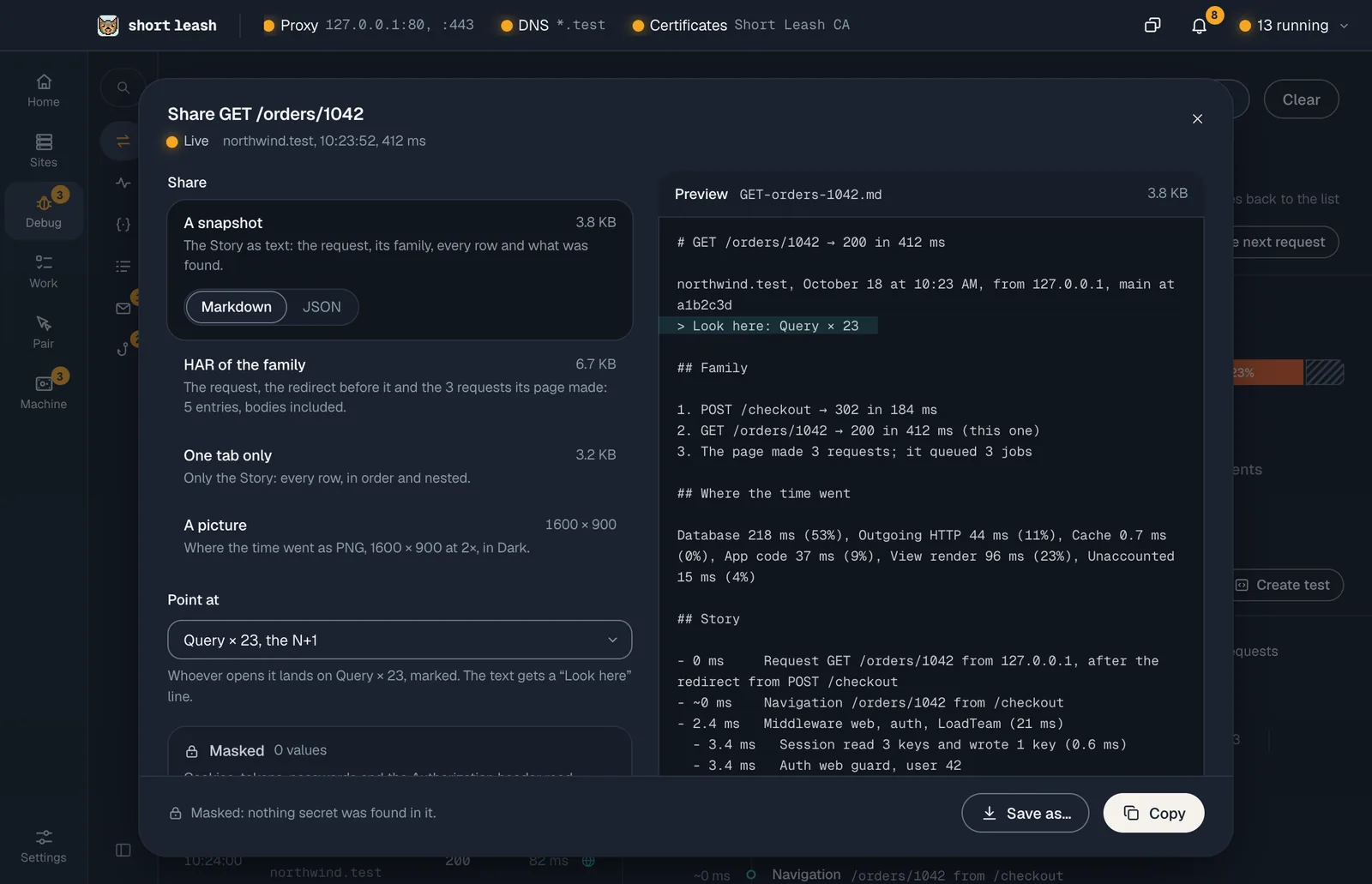
| A picture | Where the time went, the waterfall, the flame graph or an issue's occurrences chart, as a PNG at 2×, in the theme you're using |
Point at opens it at one row you choose, marked, and the text gets a "Look here" line; or nothing in particular, and it opens at the top. Preview shows exactly what you'll copy or save, with its size.
Copy puts it on the clipboard, and Save writes it to the file you pick, as .md, .json, .har or .png.
Is it masked?
Yes, unless you say otherwise for one copy:
- A request or issue the Monitor saved was masked when it was kept: cookies, tokens, passwords and the
Authorizationheader read[masked], and there's nothing to put back. - A live request, still only in memory, is masked the same way before it's shared. The sheet says how many values it masked.
- Include secrets… puts a live request's secrets back in this copy only, after listing each one and where it is. Keep that copy somewhere private, and don't paste it into an issue. Mask them again takes them out.
Nothing secret is in a picture, and sending to your Pair call is always masked.
How do I send it to my Pair call?
During a Pair call, Send to your Pair call in the same sheet puts the Story or the issue on everyone's Pair screen, read-only, opened at the row you pointed at. They see the Monitor's own view of it, not a picture of your screen, so each of them reads and scrolls it at their own pace.
- It's built from the Monitor's masked data, never the live copy, and bodies are left out. Even with secrets included in a copy, what's sent stays masked.
- It goes through the call's own connection, like a shared terminal, and only to the people in the call. It's held in memory on their computers and gone when you stop sharing it, leave or the call ends. Nothing in it is looked up on their computer.
- Guests who joined in a browser don't get it. Someone on an older Short Leash is told they need to update, and you're told who couldn't see it.
- Anyone in the call using Short Leash can send one. One shows at a time: a new one replaces it. A very large Story drops its jobs, then long texts, to fit, and one too large even then can't be sent; the sheet says so.
Stop sharing, in the confirmation or on the Pair screen, takes it away from everyone.
Other ways to copy
Copy as Markdown on a request, on a group in the Monitor and on an issue copies what the panel shows, masked, for an issue tracker or a coding agent (see Can AI tools read it?). Copy as cURL and Open as call on a request are in Requests.