Catch every email your sites send
Short Leash runs Mailpit on 127.0.0.1:2525 and gives each project its own inbox. Read every message as HTML, text, headers or source; none of it reaches a real address.
Mail is part of Short Leash Pro, as one of its services. Every Pro feature is on for your first 14 days. Pricing
Laravel code sends an order email. It lands at the top of northwind's inbox on Short Leash's Mail screen, and its HTML opens below the list.
An inbox for each project
The SMTP user name picks the inbox, so northwind's mail stays apart from storefront's. Inside a site, Mail shows what that site sent, by its name or its domain.
- Mailpit, on 127.0.0.1:2525
- Mail without a user name lands in Unsorted
- The rail counts the messages you haven't read
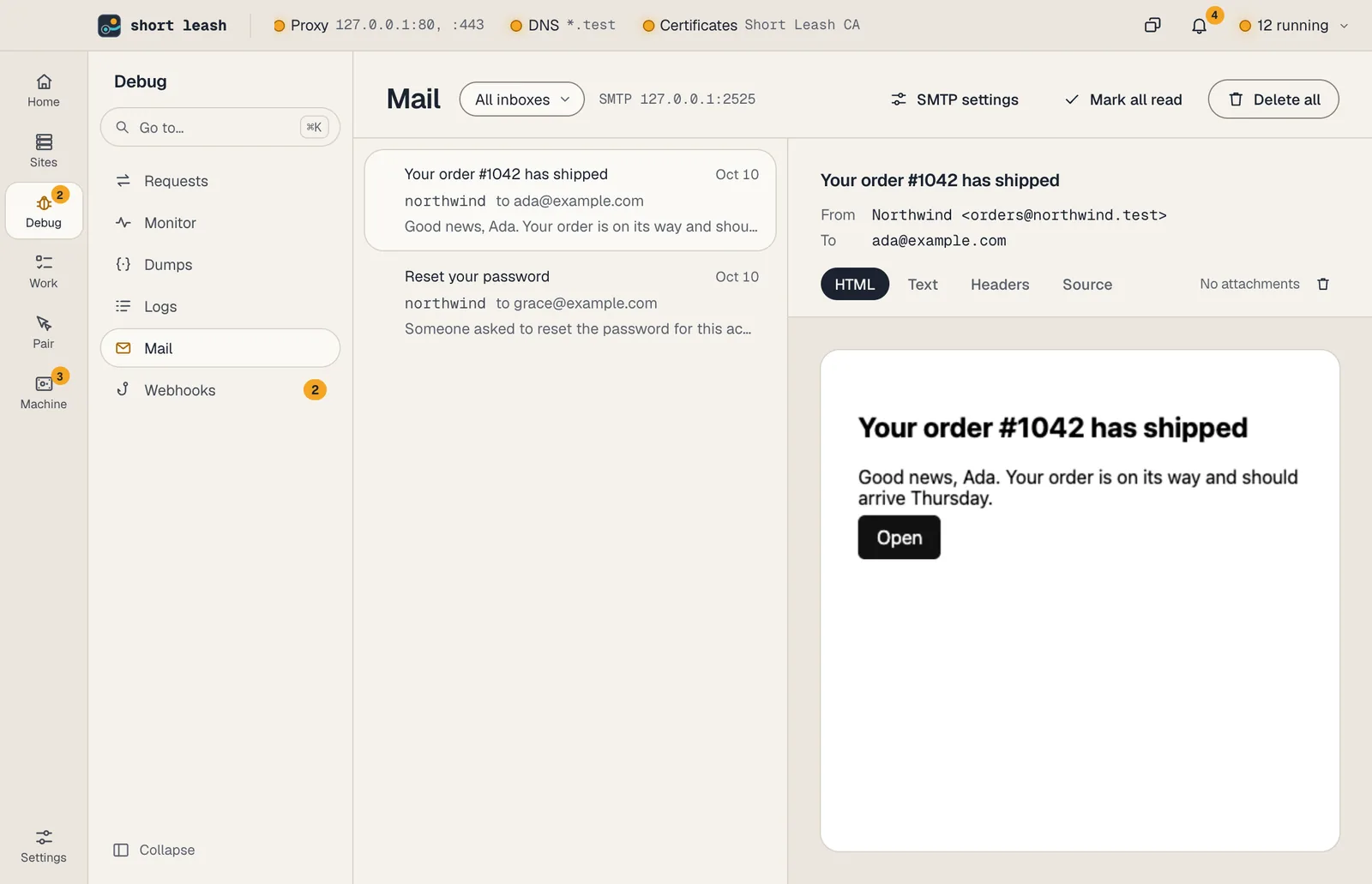
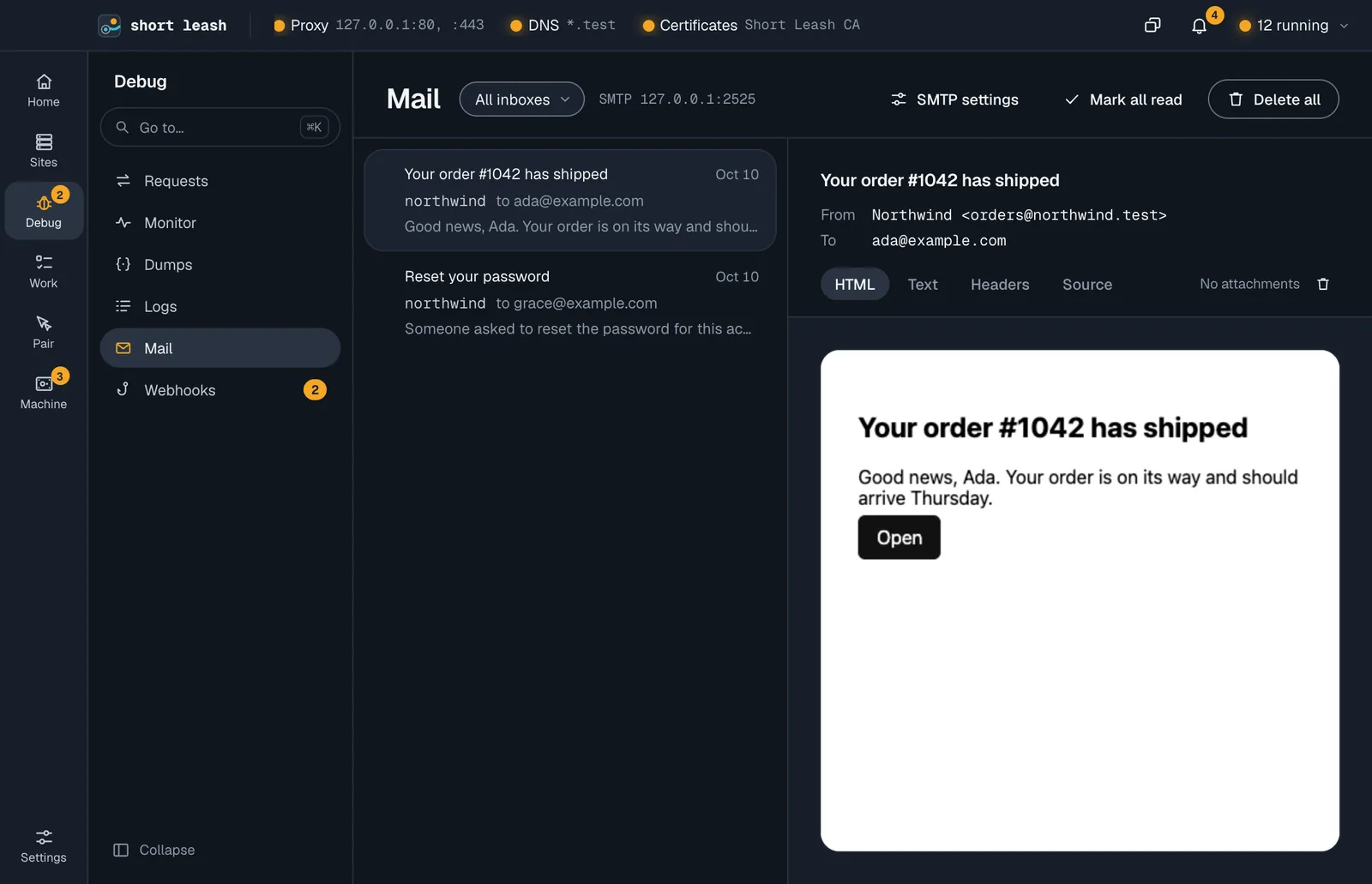
See it the way your users will
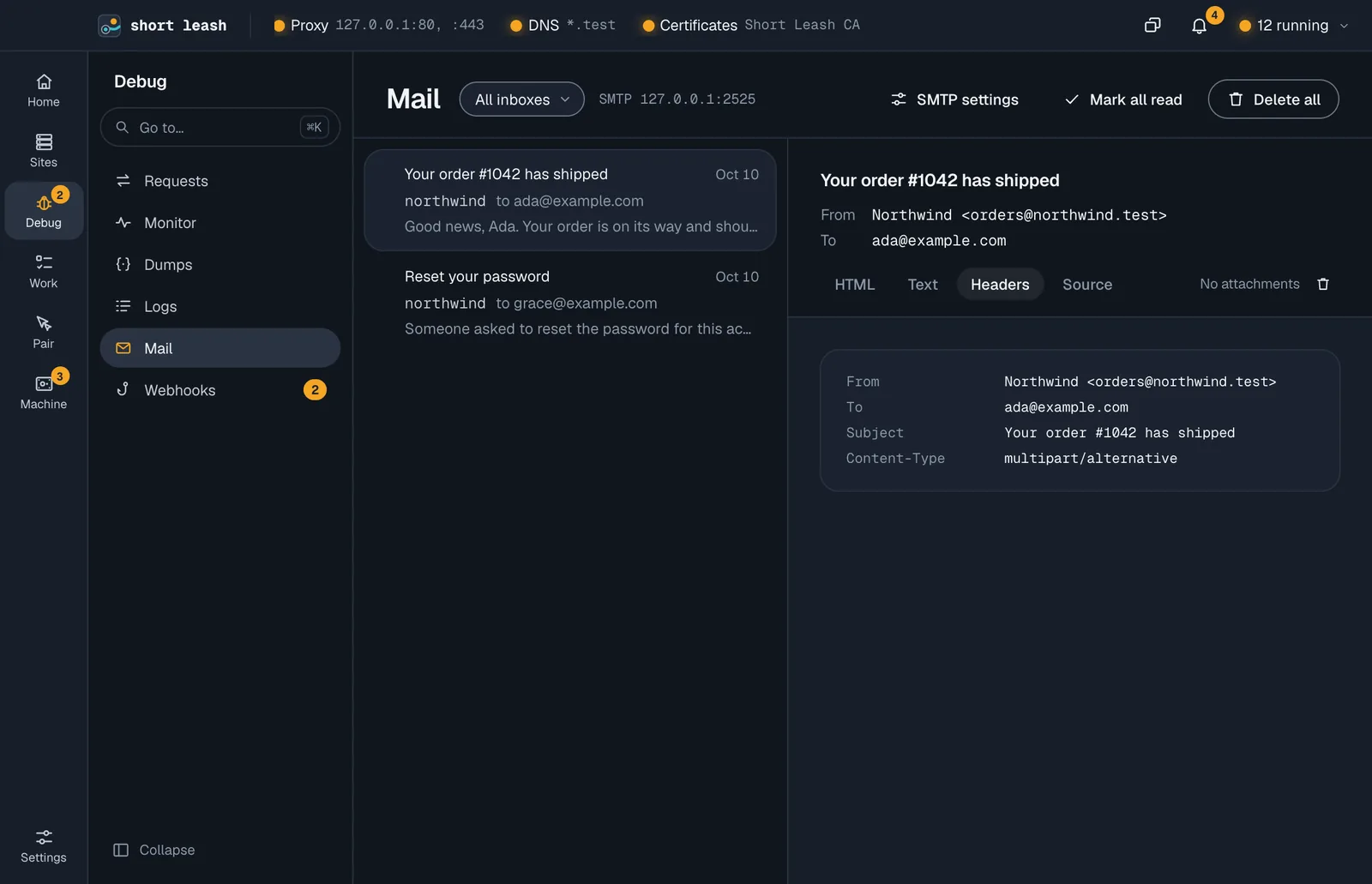
Open a message for its HTML as a mail app shows it, the plain-text version, every header, or the source, so you can check what a spam filter will see.
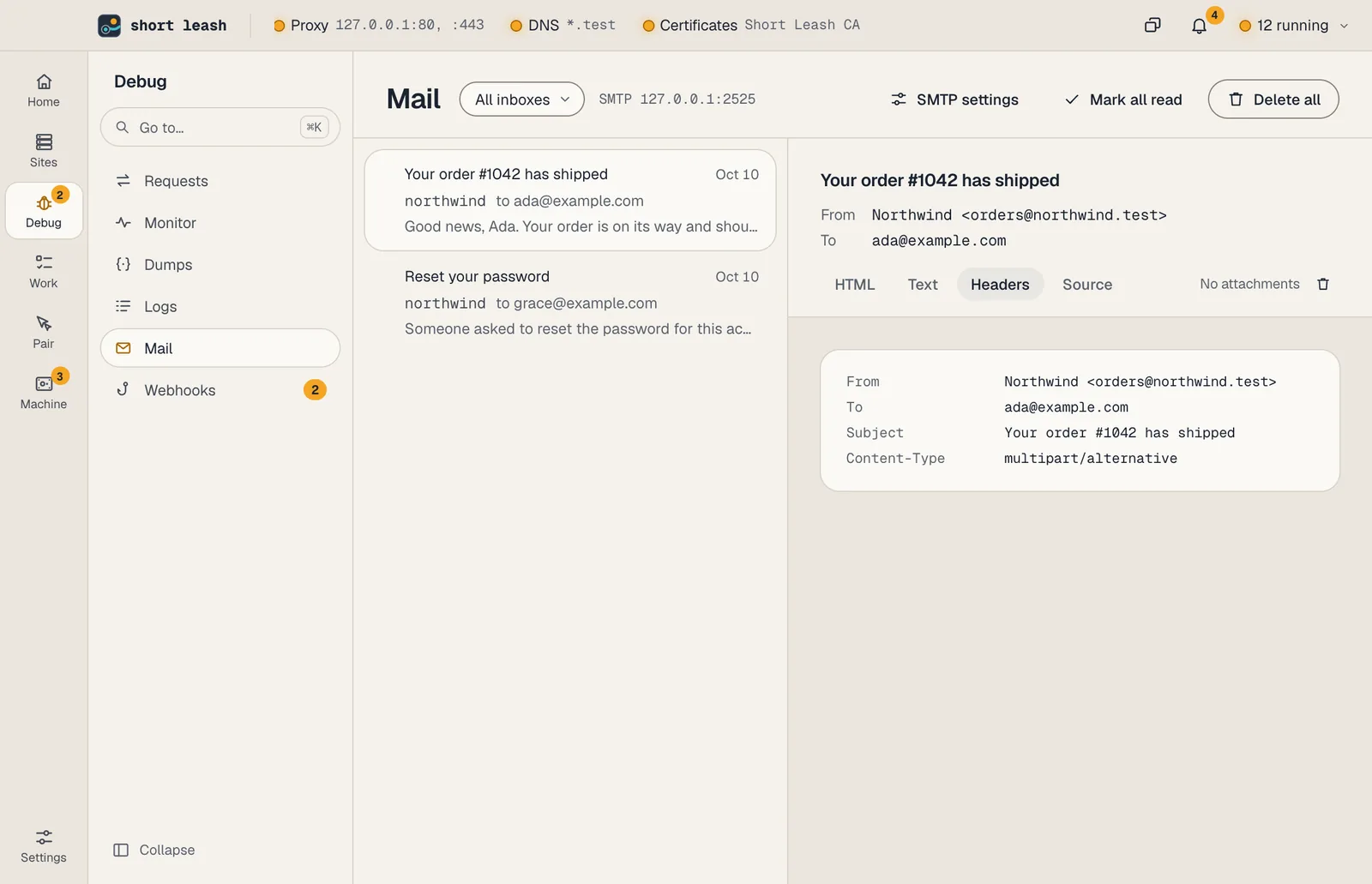
Settings for your framework, ready to paste
The Mail screen shows the settings for Laravel, Symfony, Django, Rails and Node. For a Laravel site, Add to .env writes them into the site's .env and keeps everything else.
When a site's .env sends mail to Short Leash under another name, its Overview says so under Needs a look.
From your terminal and your assistant
The leash command
leash mail wait --to [email protected]leash mail links --match verify --firstEvery command is in the CLI reference.
Tools your coding assistant can use
Connect Short Leash once with claude mcp add --scope user leash -- leash mcp; Settings › Coding assistants (MCP) has the setup for other assistants. Coding assistants
Questions
How do I catch emails in local development?
Point your app's SMTP settings at 127.0.0.1, port 2525, with your project's name as the user name. Every message lands on Short Leash's Mail screen instead of being delivered.
Does any of the mail get sent?
No. Short Leash keeps every message it catches, and nothing is delivered to real addresses.
How do I keep each project's mail apart?
The SMTP user name picks the inbox. Use the project's name, and its mail stays in its own inbox; mail sent without a user name lands in Unsorted.
Does WordPress's mail() work?
Point an SMTP plugin at 127.0.0.1:2525. WordPress's built-in mail() doesn't go through SMTP, so Short Leash doesn't catch it.
Start free, try Pro for 14 days
Download Short Leash for Mac or Windows. Every Pro feature is on for your first 14 days, with no card and no account.