A public HTTPS address for a local site, in one click
Share site gives a site on your computer a public https:// address through Cloudflare, so anyone you send it to can open it. Nothing is deployed and your computer opens no ports; a password, an IP allowlist and an expiry decide who gets in and for how long.
Sharing is part of Short Leash Pro. Every Pro feature is on for your first 14 days. Pricing
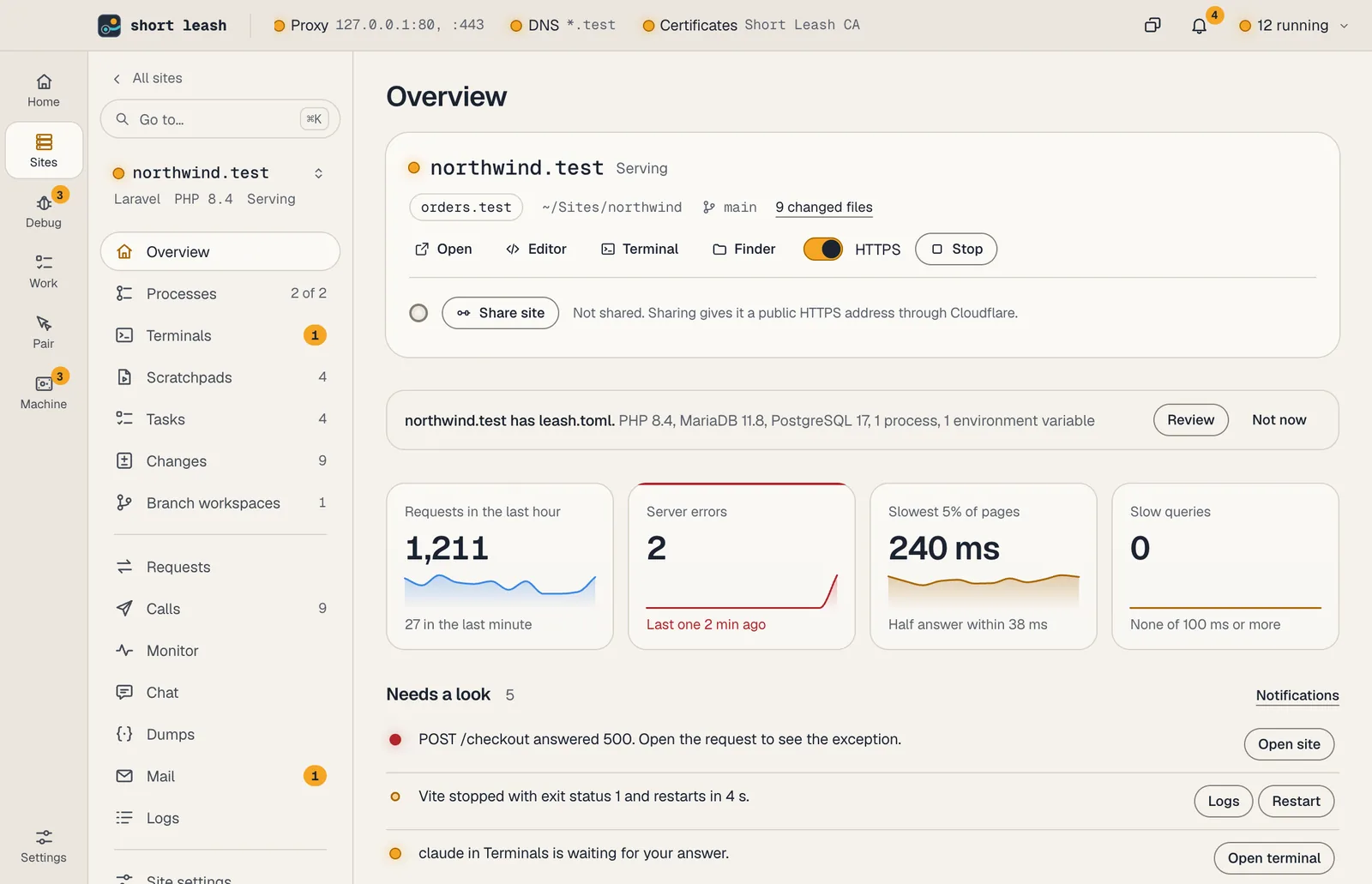
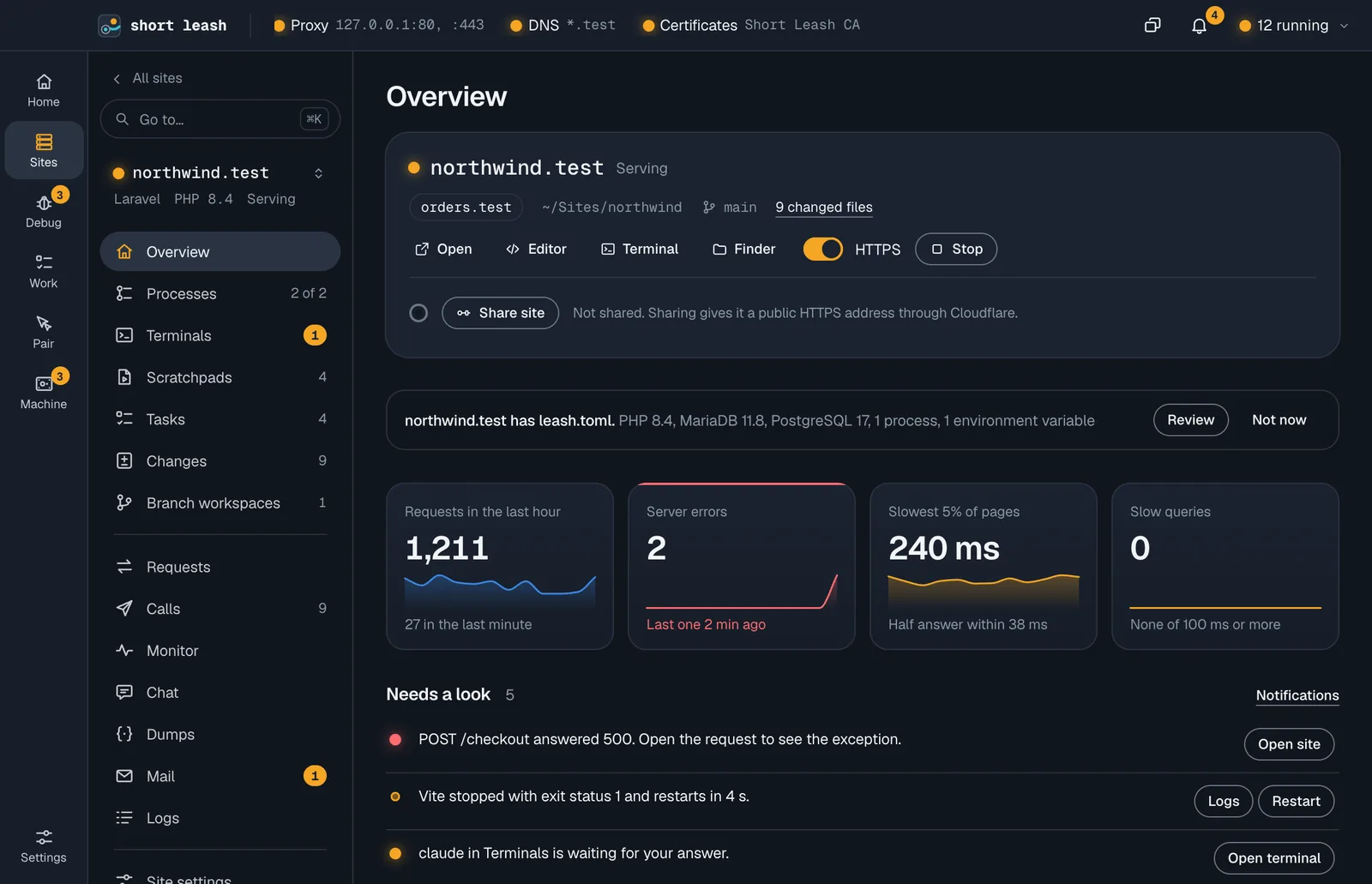
On northwind.test's Overview in Short Leash, Share site draws the share wire and, once Cloudflare is connected, shows the public address https://calm-fox-1234.trycloudflare.com with its request count and Stop sharing. The site's lamp turns cyan. The address opens the site on a phone through Cloudflare. A second visitor, without the password, gets "This site is shared with a password."
Random address or your own domain
By default a share gets a new *.trycloudflare.com address, with no account. Connect a domain on Cloudflare and each site keeps a stable address instead, like northwind-dev.example.com.
Short Leash runs Cloudflare's connector for you. Visitors see the site as it is at https://northwind.test: links, redirects and asset addresses use the public one.
- A cyan wire on the site and in the menu bar while it's shared
- Visitors' requests show in Requests with their IP address and a globe mark
- Your Cloudflare token is kept in a file only your account can read
Choose who gets in, and for how long
In Settings › Sharing, Ask for a password makes visitors sign in once, and Only allow these IP addresses turns everyone else away with a page saying the site isn't open to them. Add my IP adds the address you're using now.
Addresses come from Cloudflare, so visitors can't fake them. With both on, a visitor needs the password and an allowed address.
- Stop sharing after 1 hour, 8 hours or 1 day, or never
- Keep shared sites out of search engines, on by default
Built for showing work in progress
Share a Laravel site while Vite's dev server runs, and its assets and live reload go through the share too, so a client sees your change as you save it.
Webhooks get public addresses of their own and pass the same rules. Their deliveries skip only the password, which a provider can't type: they keep the IP allowlist and go through their signature check.
From your terminal and your assistant
The leash command
leash share northwindleash unshare northwindEvery command is in the CLI reference.
Tools your coding assistant can use
Connect Short Leash once with claude mcp add --scope user leash -- leash mcp; Settings › Coding assistants (MCP) has the setup for other assistants. Coding assistants
Questions
How do I share a local site with someone?
Open the site and choose Share site, or run leash share northwind. Short Leash gives it a public address like calm-fox-1234.trycloudflare.com once Cloudflare has published it, usually a few seconds later.
Do I need a Cloudflare account?
No. A random trycloudflare.com address needs no account. To keep the same address every time, connect a domain whose DNS is on Cloudflare; a free plan works.
Can I password-protect a shared site?
Yes. Turn on Ask for a password in Settings › Sharing. Visitors type it once in the browser's sign-in prompt, and any user name works.
Does Vite hot reload work through the share?
Yes. For Laravel sites running Vite's dev server, Short Leash sends the CSS, JavaScript and fonts it serves through the share, live reload included.
Is a shared site safe to leave open?
Every visit passes your rules before it reaches the site, shared sites are kept out of search engines by default, and Stop sharing after ends sharing after 1 hour, 8 hours or 1 day.
Start free, try Pro for 14 days
Download Short Leash for Mac or Windows. Every Pro feature is on for your first 14 days, with no card and no account.