Site terminals
On this page
A site terminal is your own shell, opened by Short Leash in a site's folder with the same PHP, Node, environment variables and php.ini as the site's processes.
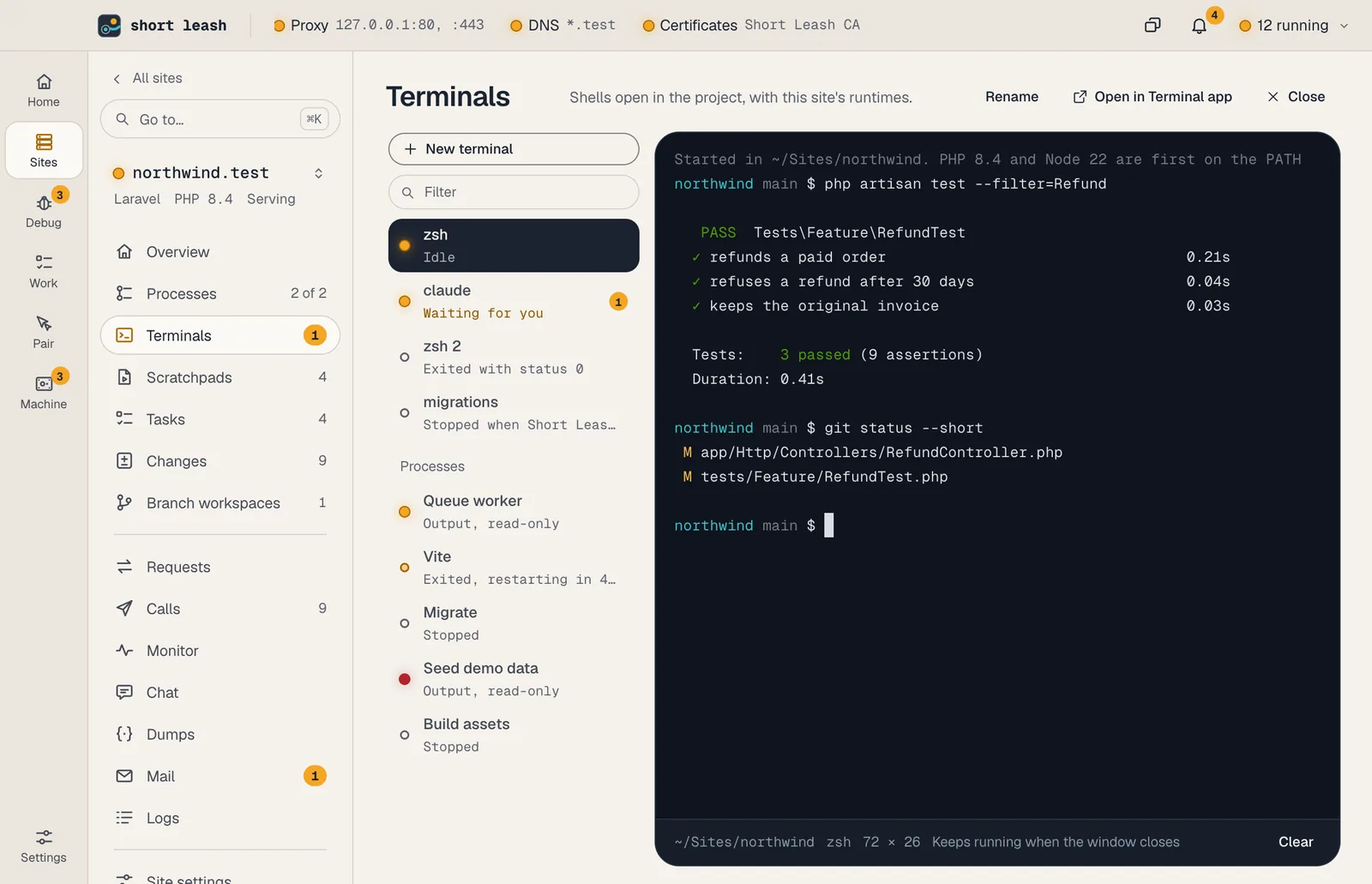
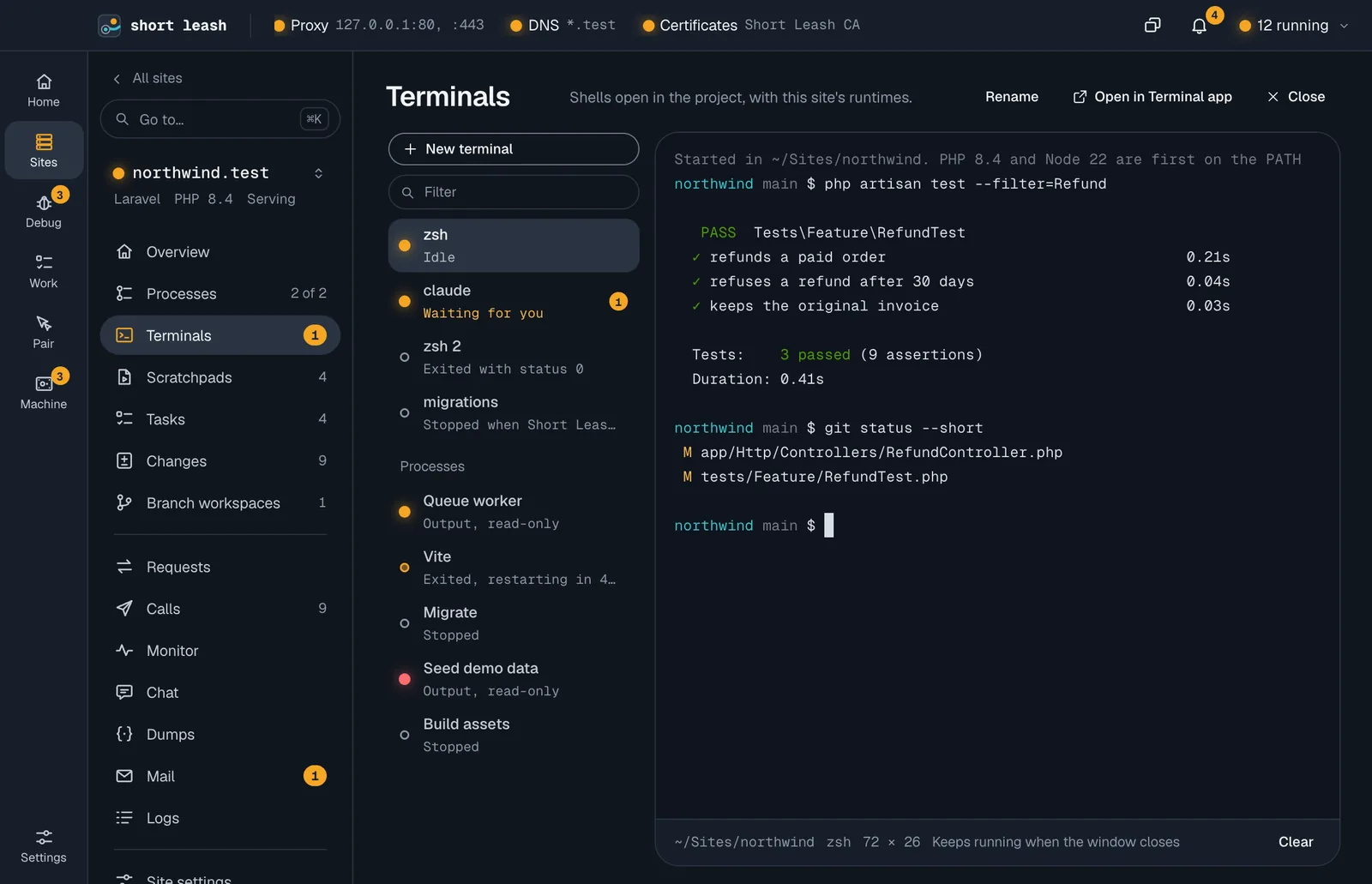
How do I open one?
Open a site and choose Terminals in its pages, then New terminal (or press ⌘T anywhere inside the site; Ctrl+T on Windows). The page lists the site's terminals on the left, one row each with its name, what's running in it and a count when it needs you; Filter narrows a long list. The one you pick fills the rest of the page and follows the window's size.
Under Processes in the same list are the site's background processes: their output opens read-only, and Logs under it opens the full log. Rename names a terminal, Close ends its shell, and Open in Terminal app opens the site's folder in your own terminal app instead.
What does a site terminal give me?
Your login shell (zsh on macOS, PowerShell on Windows) in the site's folder, with:
- the site's PHP, Node, Go, Ruby, Bun or Deno first on
PATH, then Short Leash'sphp,composerandleash; - the site's own environment variables,
LEASH_SITEset to its name, and Short Leash's certificate authority inSSL_CERT_FILEandNODE_EXTRA_CA_CERTS, so tools trusthttps://*.test; - for PHP sites, Short Leash's php.ini for the site's version, so
php artisanbehaves as it does in a request.
Your own ~/.zshrc and other startup files still run. With zsh, Short Leash puts the site's tools first on PATH again after them, so php -v shows the site's version even if your startup files add another PHP. Other shells keep PATH as their startup files leave it.
Can I keep a terminal in view on other screens?
Yes: right-click Terminals in the site's pages and choose Dock bottom (or another edge), or Pop out. The terminal can show in the page and in a panel at once; the shell takes the size of the one you used last. See Panels and floating windows.
Do terminals keep running when I close the window?
Yes. Terminals belong to Short Leash's background service, not the window: close the window or quit the app with Keep sites and services running after you quit Short Leash on, and they keep running. Open the site's Terminals again and the terminal shows its recent output (the last 1 MB) and carries on.
When Short Leash itself restarts (an update, or restarting your Mac), the shells end, but each terminal is listed again with the end of its output, marked as stopped by the restart. Start again opens a new shell in the same place, under the output it kept. Terminals' output is saved in Short Leash's folder, under terminals/, readable only by you.
How do I know a terminal needs me?
A terminal asks for attention when a program in it rings the bell or sends a desktop notification (the OSC 9 and OSC 777 escape codes some tools use when a long task finishes or needs input). Its row shows a count and says it's waiting for you until you look at it, and Short Leash raises a notification. A bell straight after you type, such as zsh's beep on a completion with no match, doesn't count.
While something runs in a terminal, its row shows the program's name (for example php or npm) under the terminal's own.
Are terminals reachable from the network?
No. Terminals listen on no port. They're reached only through Short Leash's local connection (a socket only you can open), like the rest of Short Leash. The shell runs as you, never as administrator.