Every project at its own .test address, over HTTPS
Park a folder and every project in it is served at https://name.test, the way its framework expects. Short Leash reads each folder, picks how to run it and issues its certificate, so there's nothing to configure.
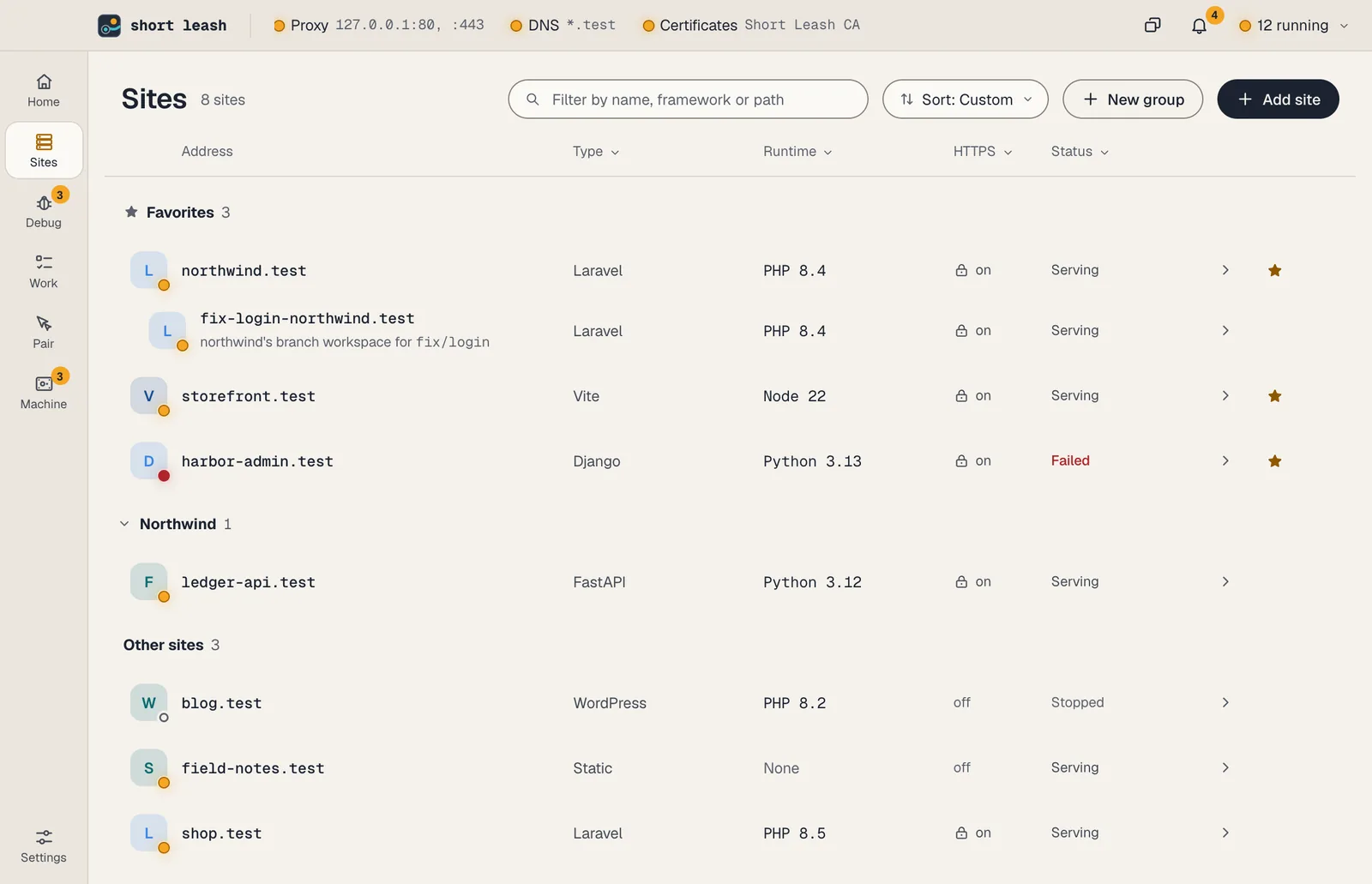
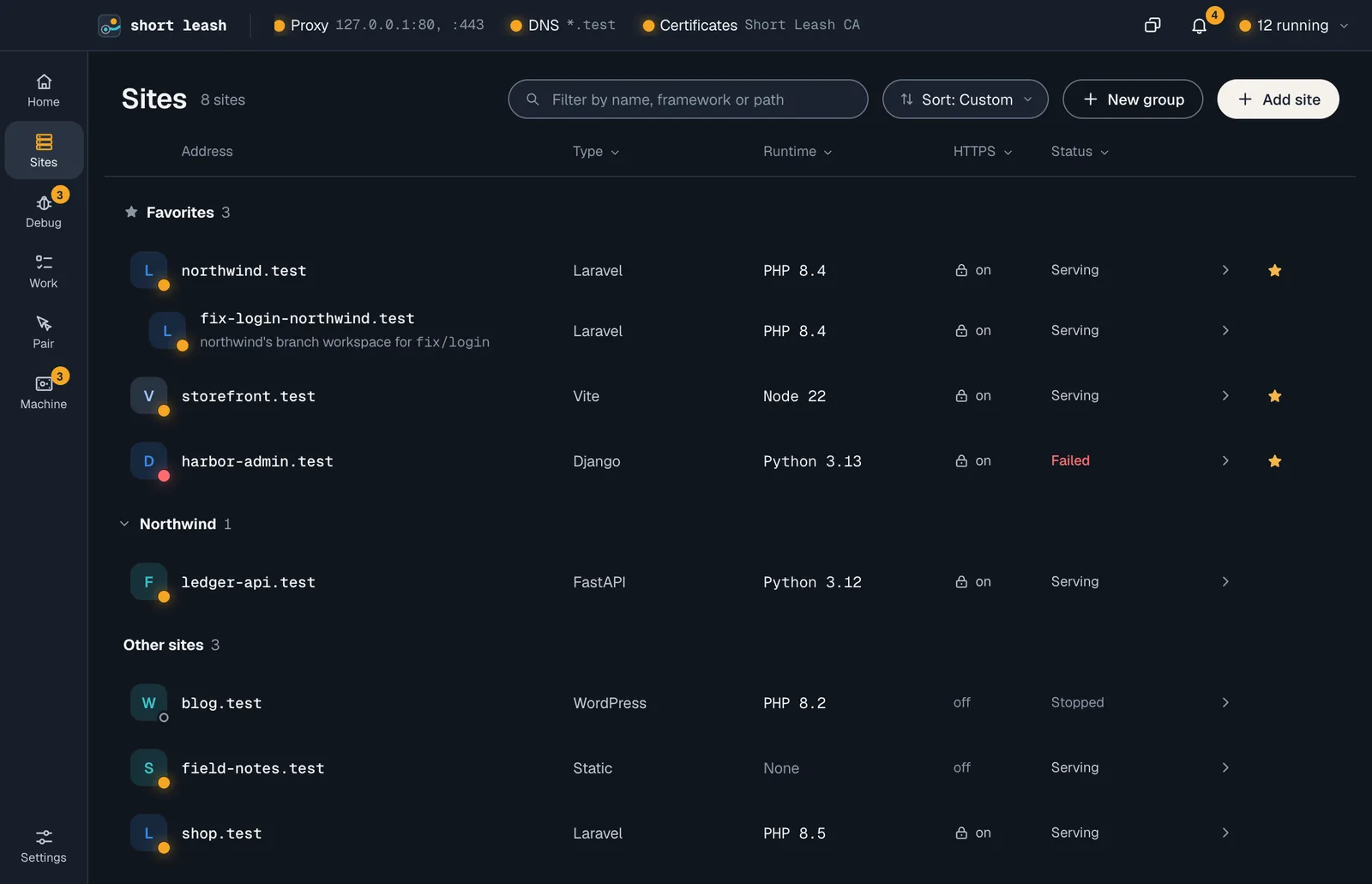
On Short Leash's Sites screen, Add site opens a menu and Park a folder is chosen. Short Leash reads the folder ~/Sites/northwind, finds the artisan file and recognizes Laravel, served from public. northwind.test joins the list of sites with its Laravel tile, PHP 8.4 and HTTPS on, and the browser opens https://northwind.test with a padlock.
Park a folder, and every project gets an address
Park a folder and each project inside it is served at its folder's name: ~/Sites/northwind becomes https://northwind.test, and new folders are picked up as you create them. Link a project serves one folder from anywhere, under a name you choose.
Short Leash looks for the file that gives a project away, like artisan, manage.py, go.mod or a dev script, and serves it the way that framework expects.
- HTTPS from Short Leash's own certificate authority, limited to .test
- Add alias answers at more names, like legacy.test
- Filter a hundred sites by name, framework, runtime or folder
- An app you run yourself on a port gets a .test name too
Workers, builds and migrations beside the site
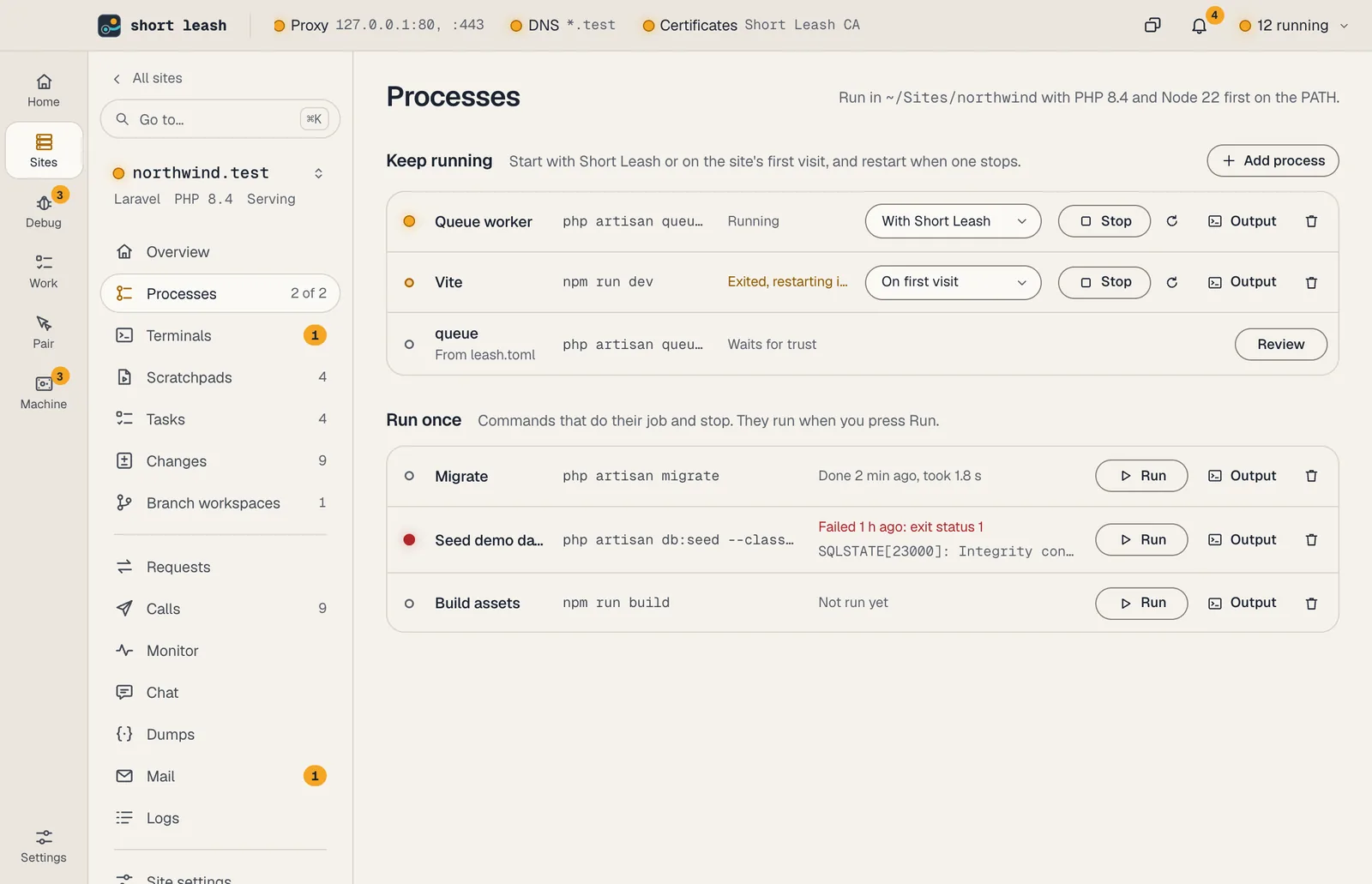
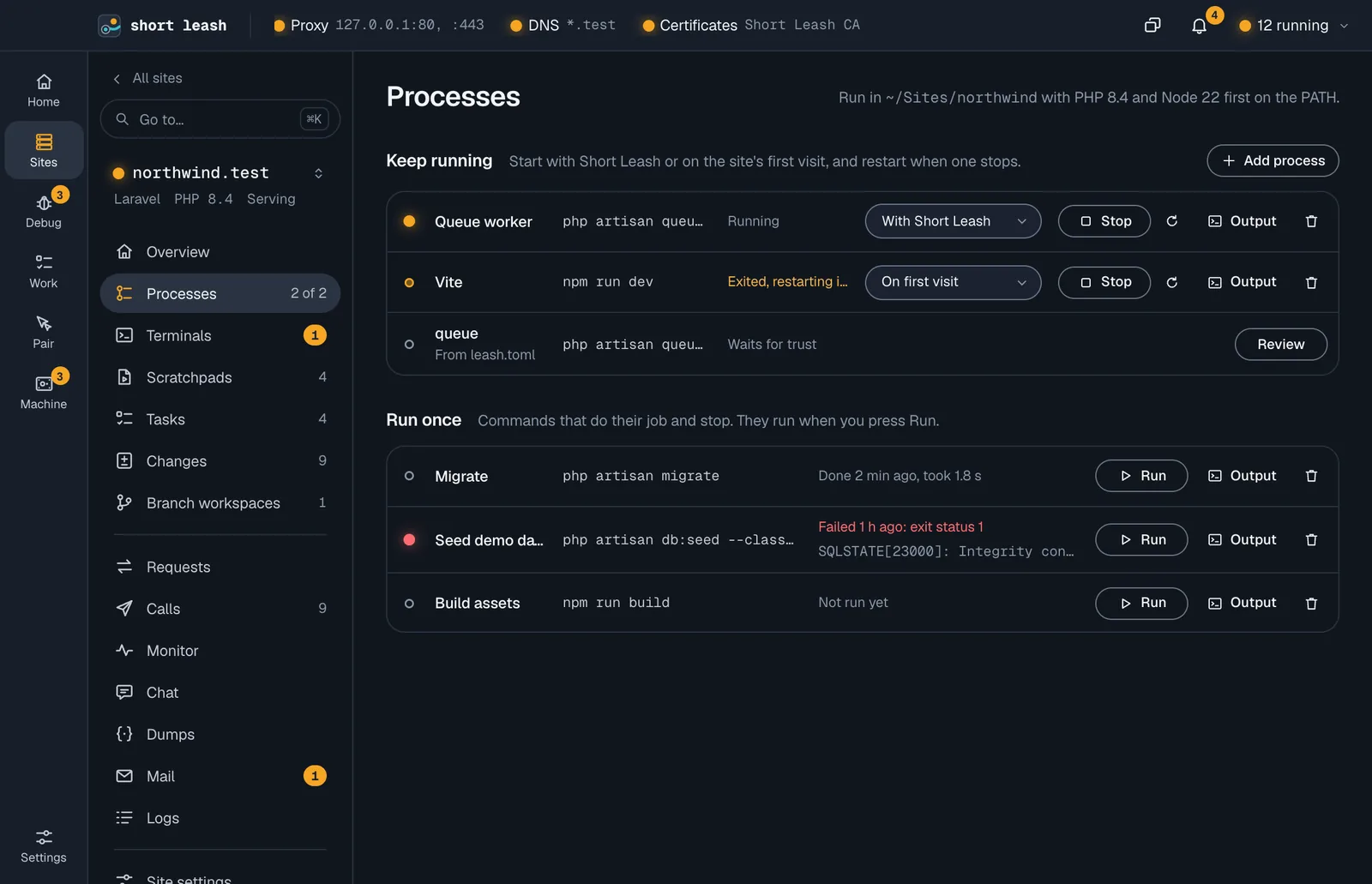
A site keeps its queue workers, scheduler and Vite running on its Processes page. Starts on each one picks when it starts: when you start it, with Short Leash, or on the site's first visit, like Vite for a Laravel site. Either way, Short Leash restarts one that stops.
Commands that do their job and stop, like migrations, a build or the tests, go under Run once. They run only when you choose Run, and each shows how it ended: "Done 2 min ago, took 1.8 s", or Failed with its exit status and last line.
- Suggestions for Laravel, Symfony, Django, Rails, Node and any Procfile
- Site environment variables reach its server, processes and every PHP request
A project file the whole team shares
Commit a leash.toml and everyone who clones the project gets the same setup: the PHP and Node versions, document root, aliases and HTTPS, the services it uses, its workers and the env variables that aren't secrets. Your own changes go in leash.local.toml, which stays out of Git.
Versions and settings apply as soon as Short Leash reads the file. Commands and services wait until you trust the folder: Review lists everything the file would run, and Short Leash asks again when that changes. Site settings shows where each setting comes from, and Use leash.toml's swaps your own setting for the file's.
A new Laravel app in one step
New Laravel site… under Add site runs Laravel's installer with the starter kit, database, test framework and PHP version you pick. Then Short Leash creates the database, points APP_URL and mail at the new site, runs the migrations and serves it over HTTPS.
It takes about a minute, and you don't need the Laravel installer on your computer.
From your terminal and your assistant
The leash command
leash park ~/Sitesleash link billingleash stop shop blogleash alias add legacyleash process starts vite on-visitleash process run migrateleash env set APP_ENV stagingleash initleash import herd --dry-runEvery command is in the CLI reference.
Tools your coding assistant can use
Connect Short Leash once with claude mcp add --scope user leash -- leash mcp; Settings › Coding assistants (MCP) has the setup for other assistants. Coding assistants
Questions
How do I set up a local .test domain?
Park the folder that holds your projects, or link one project. Short Leash answers for every .test name with your own computer's address, and its proxy on ports 80 and 443 picks the site by name. Other domains go to your normal DNS, untouched.
Will my browser trust the HTTPS certificate?
Yes. Short Leash creates its own certificate authority on your computer and setup trusts it for your user. It can only sign .test names, and site certificates renew automatically.
Which frameworks does Short Leash detect?
Laravel, Statamic, WordPress, Craft CMS, Drupal, Magento, Joomla, CakePHP, Kirby, Symfony and plain PHP; Django, FastAPI, Starlette and Flask; Rails and Rack apps; Go modules; Deno; Node dev servers; a Procfile's web process; and static sites. For anything else, set the command yourself with leash run.
Do subdomains work on .test?
Yes. Every name under a site, such as api.shop.test, reaches shop.test, which suits multi-tenant apps and WordPress multisite.
How do I run queue workers and the scheduler?
Add them on the site's Processes page. Short Leash suggests the usual ones for the framework it found, starts them with Short Leash and restarts them when they exit.
Can Short Leash start Vite when I open my site?
Yes. Set Starts on its process to On first visit, or run leash process starts vite on-visit. The first request to the site since Short Leash or the site started starts Vite, and a Laravel site's first page waits for it, up to 10 seconds, when there are no built assets.
Can I start or stop several sites at once?
Yes. Point at a site's tile to choose it, Shift-click for a range or press ⌘A for every site shown, then choose Start, Stop or Restart, or turn HTTPS on or off and change their PHP version under More. From the terminal, leash stop shop blog.
Can I keep the sites I use most at the top?
Yes. Star a site to keep it under Favorites at the top of the list, the site switcher and the menu bar. Drag the rest by their grips into an order of your own, or into named groups, like a client's sites, that fold away when you don't need them. Sort switches between your order, by name, and running sites first.
Can a project say which PHP and services it needs?
Yes. Commit a leash.toml with its PHP and Node versions, document root, aliases, HTTPS, services, processes and env variables. Short Leash applies the versions and settings as soon as it reads the file, and runs its commands and services only after you trust the folder. leash init writes one from a site's settings, leaving out anything that looks like a secret.
Can I bring my sites from Herd, Valet or Flock?
Yes. Short Leash reads that tool's settings once, shows its parked folders, linked sites, HTTPS and PHP versions as a checklist, and changes nothing until you choose Import. A database comes across by dump and restore, with Short Leash showing the command to run with the other tool's client and restoring the file into its own service.
Start free, try Pro for 14 days
Download Short Leash for Mac or Windows. Every Pro feature is on for your first 14 days, with no card and no account.