Dumps
On this page
dump() and dd() from any PHP site, Artisan command or queue worker show up on the Dumps screen, as well as where they normally print. Each one shows the site, and the file and line it came from. There's nothing to install in your project: Short Leash loads a small PHP file before your code runs. Code run in a scratchpad shows its dumps and queries with the run instead. Artisan commands Short Leash runs itself (its migrations check, and the fixes under a site's Needs a look) don't show up here.
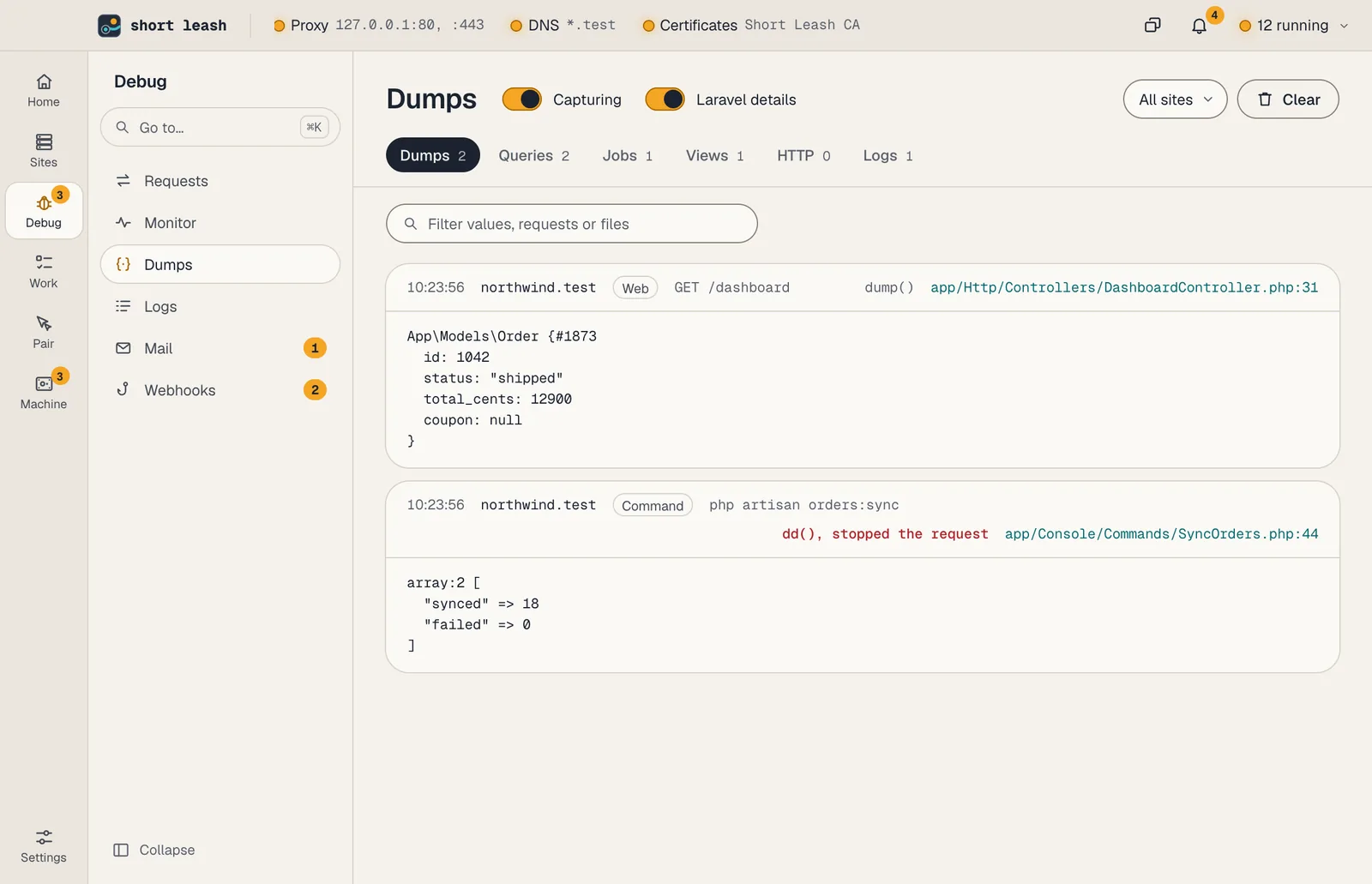
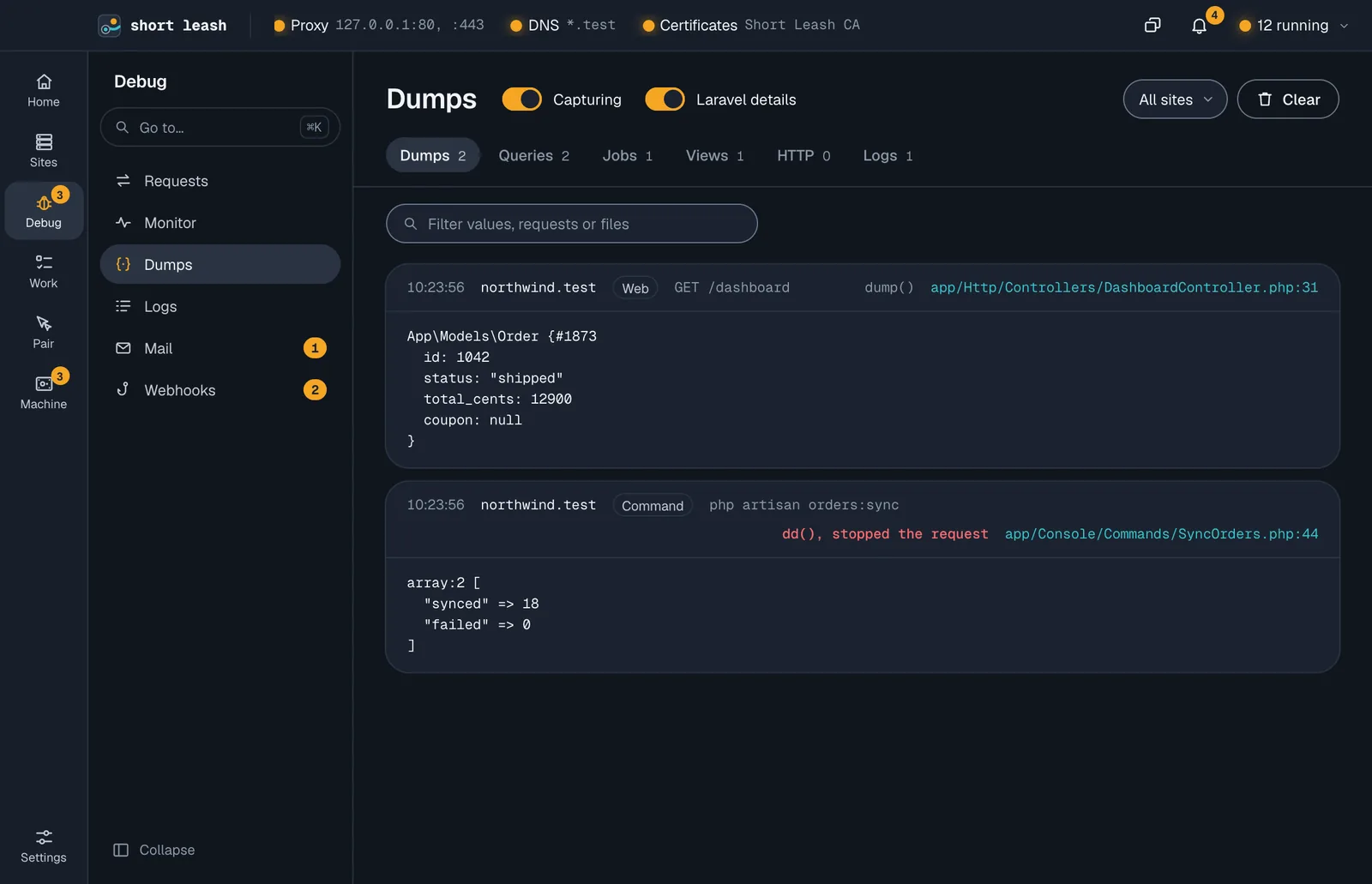
Inside a site, Dumps shows that site's, and new ones play a short arrival as they come in.
The Capturing switch pauses and resumes capture, and Short Leash remembers it. While it's paused, new dumps are discarded.
Laravel details
With Laravel details on, Laravel sites also report:
| Tab | What you see |
|---|---|
| Queries | Each SQL query with its bindings and time. Queries over 100 ms are marked. |
| Jobs | Jobs as they're queued, and when a worker finishes or fails them, with how long they took. Failures are marked. |
| Views | Each Blade view rendered, with the names of the data passed to it. Laravel's own error page views are left out. |
| HTTP | Requests your app makes with Laravel's HTTP client, with their status. The Monitor shows how long each took |
| Logs | Log messages. Errors are marked. |
Short Leash adds this by registering its own service provider when Laravel boots, through a copy of Laravel's package list it keeps in bootstrap/cache/leash-packages.php (Laravel's .gitignore there leaves it out of Git). Your composer.json, config/app.php and other files aren't changed. Turn Laravel details off if a project doesn't get along with it. Each kind keeps its latest 500 entries, so a burst of queries never pushes your dumps out.
The provider also lets Laravel's HTTP client reach your other .test sites (see Troubleshooting). With Laravel details off, Short Leash doesn't touch Laravel apps at all, so that's off too.
Filtering
Pick a site in Sites to see only its dumps; the tabs filter by kind. Clear empties the list.
Every tab has a search box for what it shows: values, SQL, jobs, views, URLs or messages, with the request and the file. On the Queries tab, Slower than shows only queries that took at least 10, 50 or 100 ms, and Slowest first sorts by time. A busy queue worker polls the database constantly; a 10 ms threshold hides that noise.
A notification about a slow query or an error opens its dump on the right tab, marked "Linked".
Explain a query
Explain on a query asks its database for the plan and says what it means. Short Leash runs EXPLAIN, never the query itself, so nothing changes in your database. You'll see:
- What's slow, like a full scan of a big table, or a column wrapped in a function so no index can help (
date(created_at) = …). - What to change, with code to copy: a range to compare instead, or the index that would help as a migration line, like
$table->index('created_at');. - The plan itself: each table, how it's read, the rows the database expects to read and the index it uses. Copy plan copies the plan as the database wrote it.
Explain works with Short Leash's MySQL, MariaDB and PostgreSQL and with SQLite files, for select, insert, update and delete queries, and only those queries have the button. MongoDB queries show "Explain isn't for MongoDB" in its place: MongoDB has no SQL plan to read. Queries from migrations, from another database server or from an in-memory SQLite database don't, and neither does a query whose SQL or values pass 64 KB, like a big bulk insert. A relative SQLite path, like DB_DATABASE=database/database.sqlite, is found in the site's folder, as Laravel finds it.
Explain asks with the site's PHP, so the values travel apart from the SQL and can't change what runs. Each value keeps its type, as in your app, so the plan is the one your app's query gets. When Short Leash can't explain a query, like one that's no longer kept (each kind keeps its latest 500) or one whose database is stopped, it says why next to it.
AI tools can do the same through leash mcp with explain_query (see AI tools). Why it works this way: ADR 0024.