Search the Monitor and save views
On this page
Go to (⌘K, Ctrl+K on Windows) goes to sites, pages and actions (see Go to). With the Monitor on, it also finds what the Monitor saw, as you type, best first: issues, routes, requests, queries, jobs, outgoing hosts and page loads, each opening where it is.
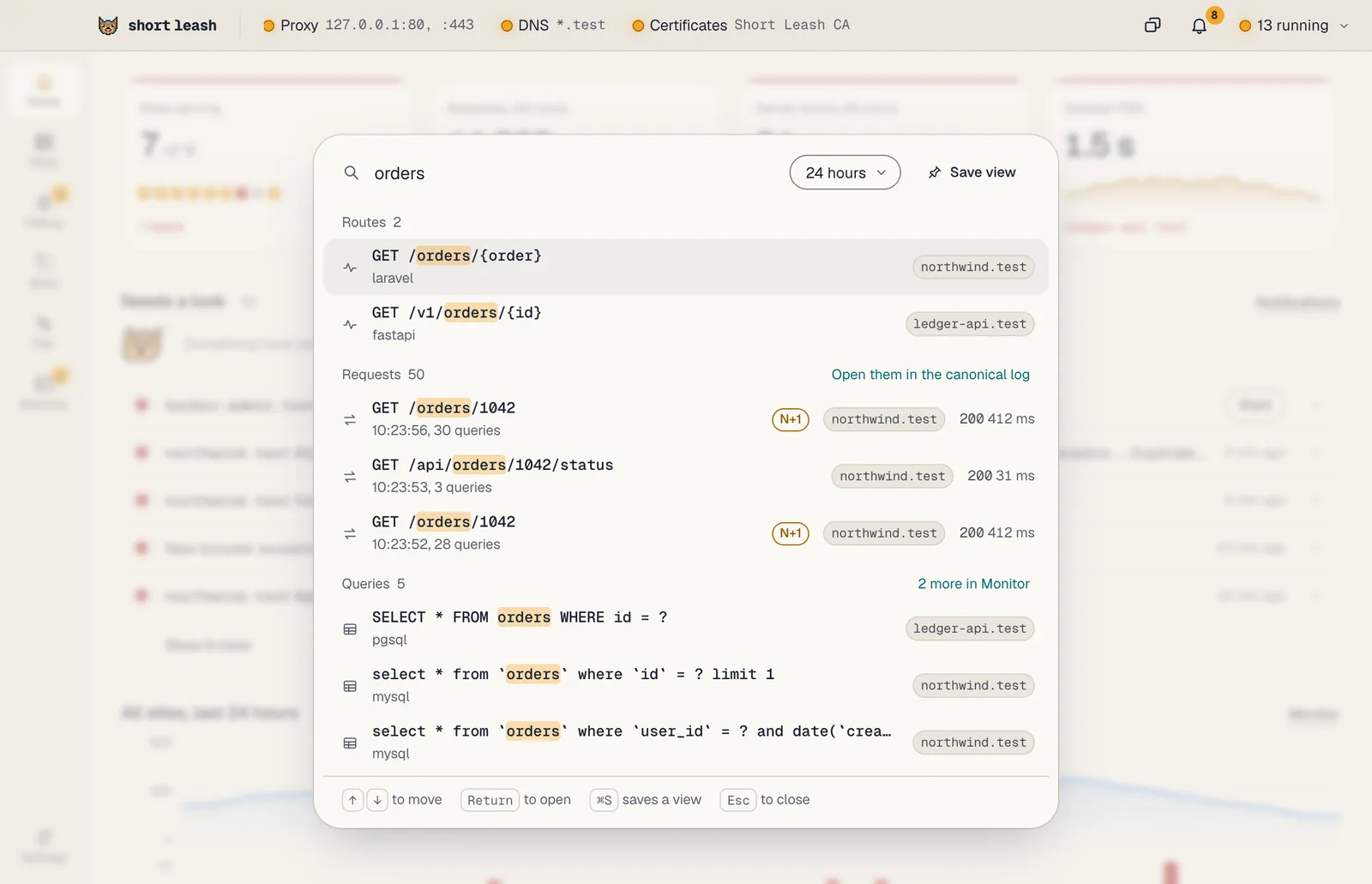
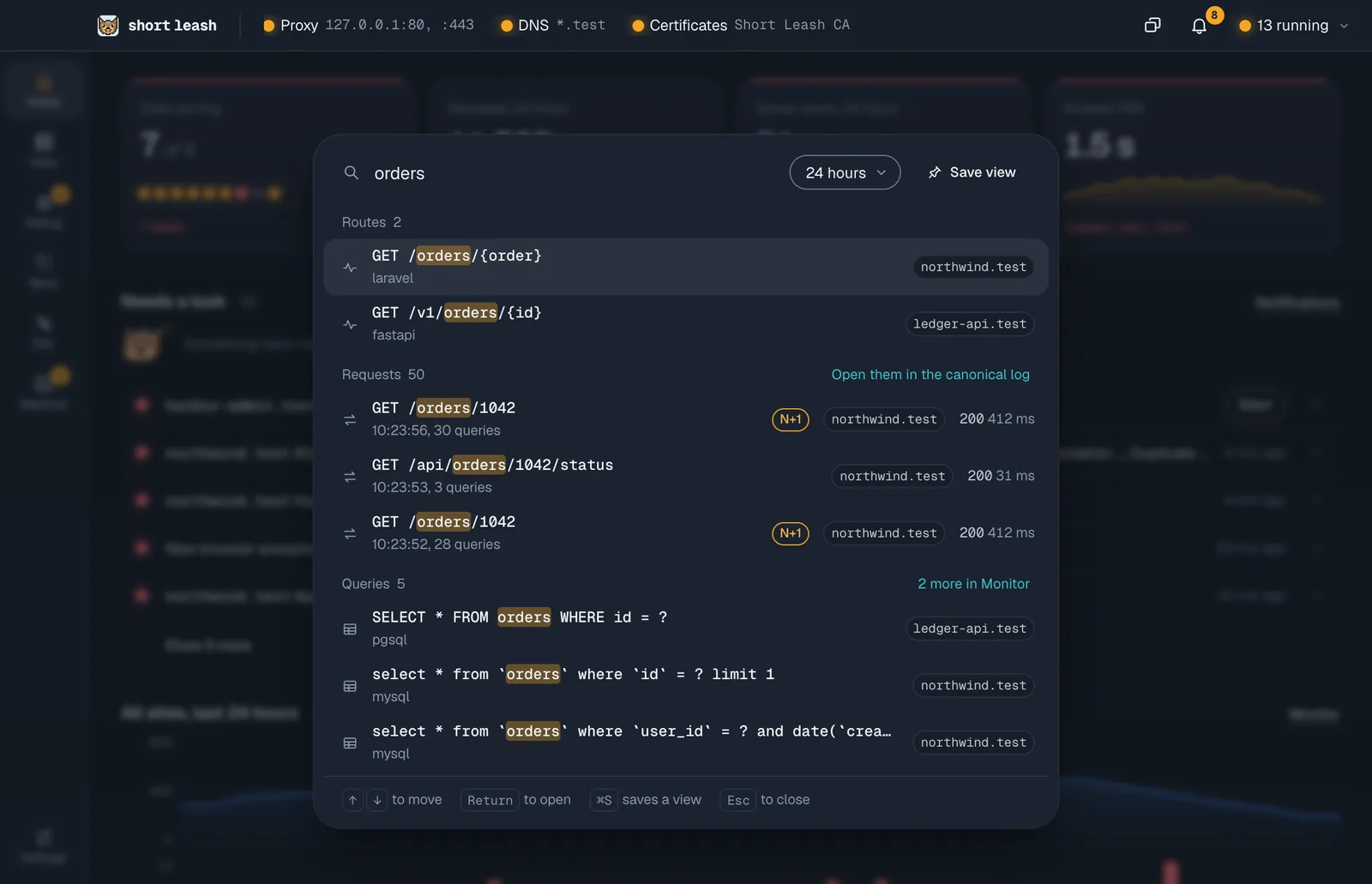
Searching the Monitor and saved views are part of Short Leash Pro, like the rest of the Monitor.
What can I type?
- Words search names and text:
ordersfinds theGET /orders/{order}route, a query onorders, a job with it in its name and an issue that mentions it. - Comparisons, the way the canonical log reads them, narrow to requests that match:
status>=500,route=/orders/{order},db.queries>20,duration_ms>300,user~ann. Combine them with spaces:status>=500 db.queries>20. - Tab completes a field name as you type it, and the comparisons you've typed show as chips under the field.
Pick the site to search in, or every site, and the range: the last hour, 24 hours, 7 days or 30 days.
Before you type, Go to lists your recent searches, the site's saved views and what needs a look.
How do I save a view?
Type a search and choose Save view (⌘S, Ctrl+S on Windows). Name it and pick the site it's for. It keeps the search and its range, counted back from now, so a view of the last 24 hours always shows the latest day.
A site's Monitor has a View picker: choose a view to open the Monitor with its search and range, or Everything to go back. An open view has Rename and Delete, with Undo after a delete, and Edit in Go to opens its search there to change it. Removing a site deletes its views, and renaming one moves them.
Where are searches and views kept?
On your computer only. Saved views are kept in Short Leash's database until you delete them or their site. The last 8 searches you ran from Go to are kept in the app window's own storage, as a convenience; nothing breaks if that storage is cleared. Nothing is sent anywhere.
What's new in the Monitor?
After an update that changed the Monitor, one What's new card above its tiles says what changed, once, with Show me to go to each place. The × dismisses it for good, with Undo, and Settings › About keeps the same list. The card is written into the app, so it fetches nothing.