Requests
The Requests screen lists requests to your sites as they happen, local and shared alike. Select one to see its request and response headers and bodies, and how long it took.
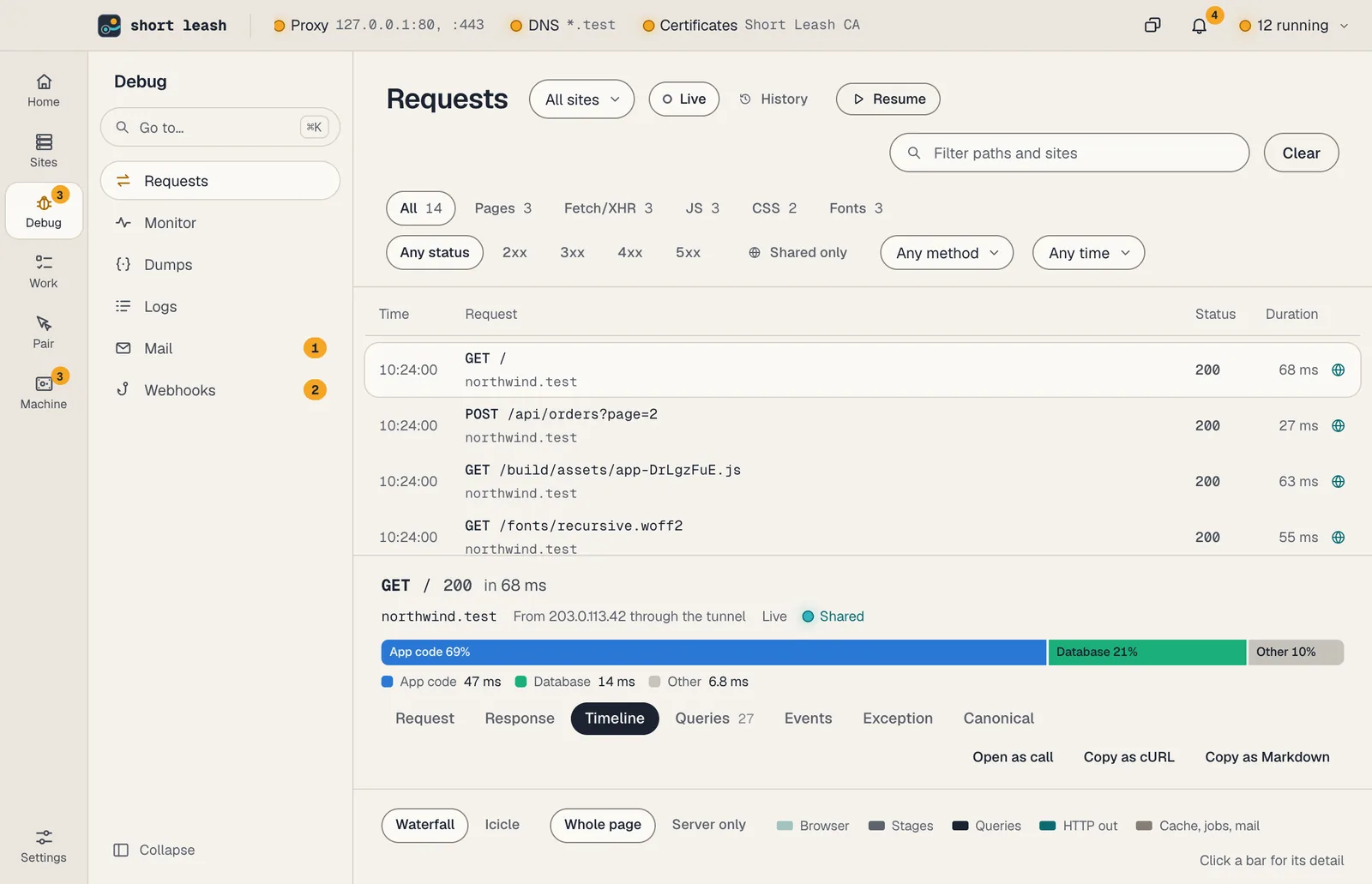
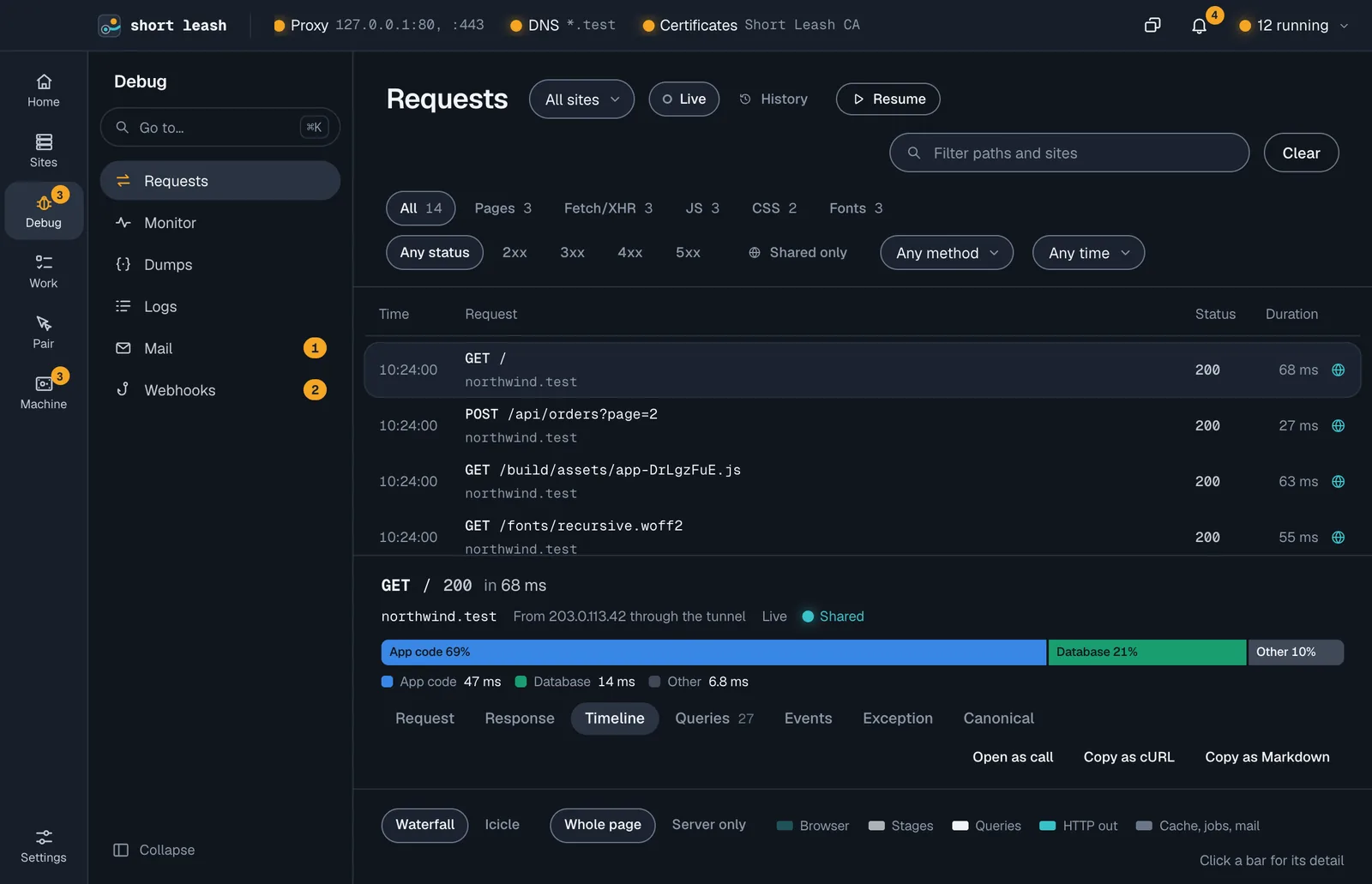
Short Leash keeps the last 500 requests per site in memory, with bodies up to 1 MB. The Monitor also keeps each request's trace on disk, with secrets masked, for 7 days or 1 GB by default (Settings › Monitor), so a request from yesterday or before a restart is still there. How many requests there were each minute, how many failed and how long they took are saved too, so a site's Overview still shows the last hour after Short Leash restarts.
Inside a site, Requests shows that site's requests with the same filters; its name is a pill you can remove to see every site. See Inside a site.
Filters
- Type: pages, fetch/XHR, JS, CSS, images, fonts, media, WebSocket or other
- Status, method, duration (slower than 100 ms, 500 ms or 1 s) and path
- Shared: only requests that came through a share. They're marked with a globe and show the visitor's IP address.
- Sites: one site or all of them
Secrets
Authorization, Cookie, Set-Cookie and headers with token in their name are hidden until you choose Show. Settings › Requests turns hiding off, or stops recording altogether. Short Leash remembers both.
Copy a request
Copy as cURL copies a request as a curl command, so you can run it again from your terminal. Open as call makes it a call you can edit, send again and keep.
Copy as Markdown, beside it, copies the request's trace for an issue or a coding assistant: what the request was and when, where its time went, its stages and spans, its queries grouped by shape with any N+1s and duplicates, its exceptions and its log lines. Secrets are masked first by Short Leash's background service, by the same rules the Monitor uses when it saves a trace, even while the request is still in memory, and the copy ends by saying it's data, not instructions.
What did a request cause?
What it caused on a request lists what it made happen on a PHP site: its dump() calls, its queries (each with Explain) and its log lines, and the mail that arrived while it ran. Short Leash's proxy gives every request to a site an X-Leash-Request header with its id, replacing any the visitor sent, and the site's dumps carry it, so requests at the same moment don't mix. Mail has no id, so it's matched by time. See ADR 0051.
From the terminal:
leash requests shop --follow