Dictation, meeting notes and a chat that run on your computer
Short Leash runs a speech model and a language model on your computer. Dictate into any app, take notes on calls, and ask a chat about your sites that asks before it changes anything. Coding agents get 82 tools through leash mcp.
Local AI is part of Short Leash Pro. Every Pro feature is on for your first 14 days. Pricing
Dictation: a pill at the bottom of the screen says Listening, then Transcribing, then Pasted into Terminal, and the spoken sentence appears at the prompt of a coding agent in the terminal. Then Short Leash's chat is asked whether anything is slow on northwind. It reads the slow routes and the N+1 queries on its own, answers, and asks before it adds a task, showing the tool, task_add, and each value: the site, the title and the notes, with Don't run and Add task.
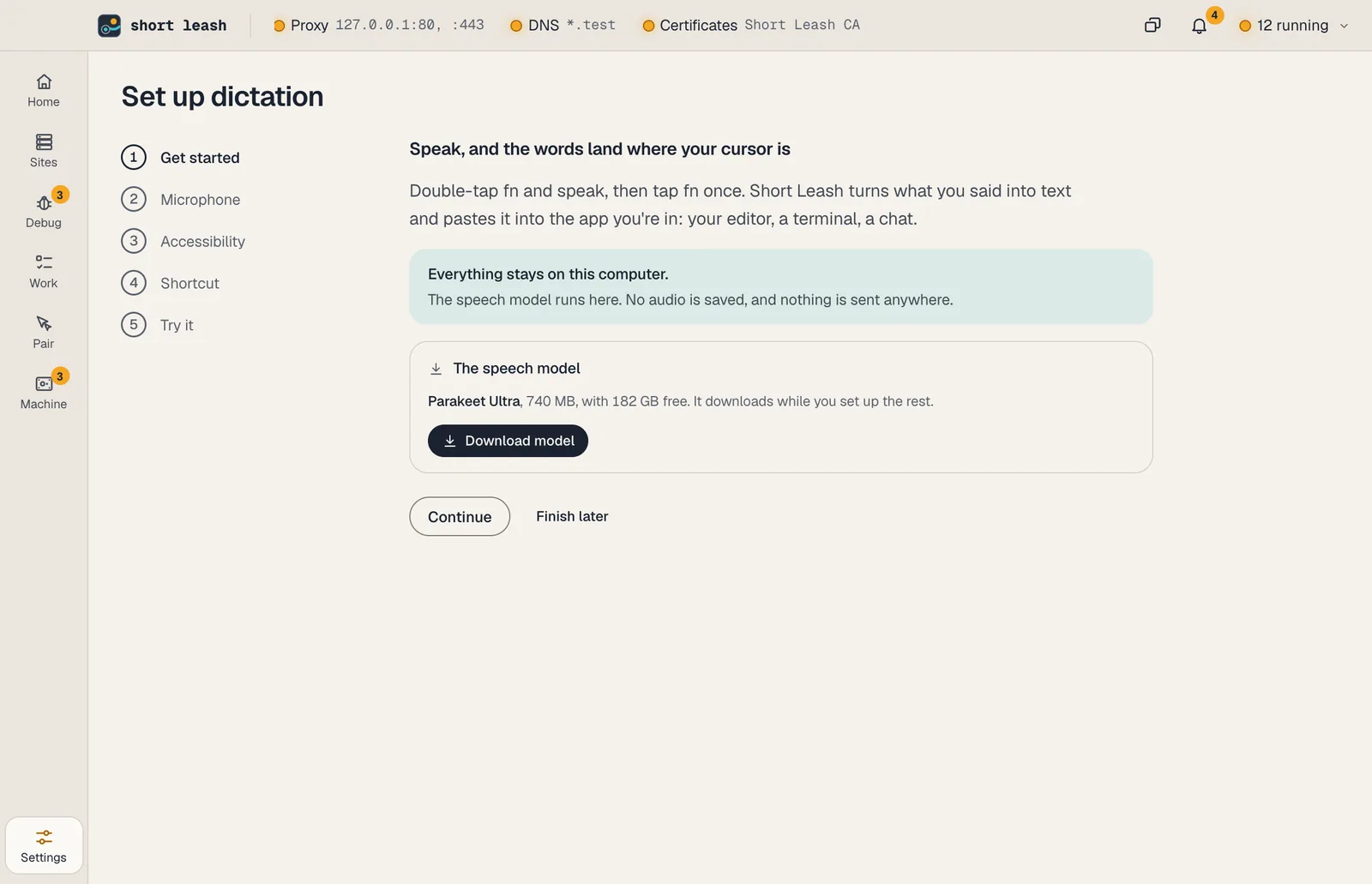
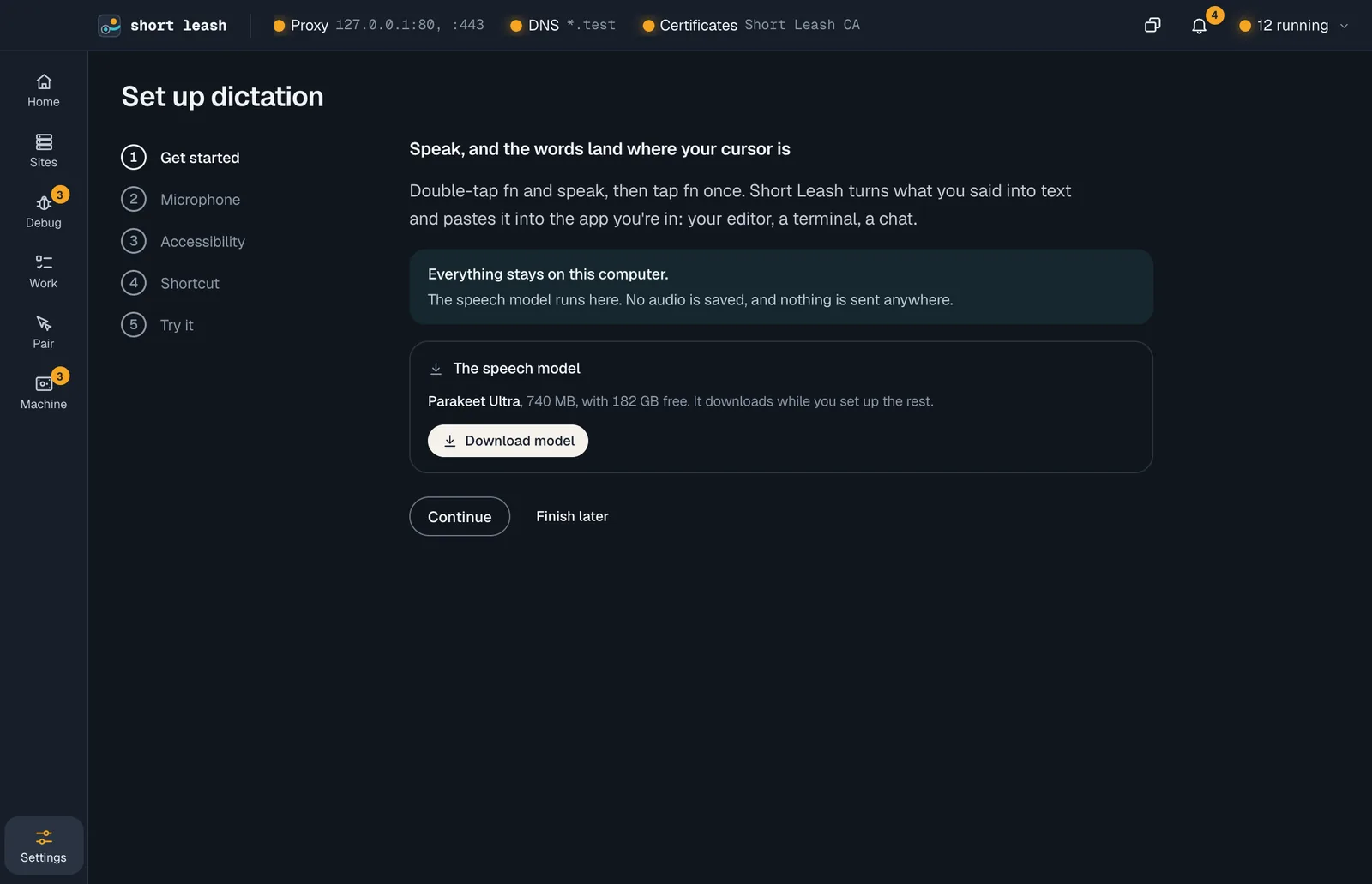
Speak, and the text lands at your cursor
Double-tap fn on a Mac, or hold Ctrl+Win on Windows, and say what you want to type. A lamp shows while Short Leash listens, and the text is pasted into the app you're in: your editor, a terminal, a coding agent's prompt.
Parakeet Ultra covers English and 24 other European languages, and Short Leash picks another model for the rest. It never types while a Mac's secure typing is on or into a password field on Windows; the text goes to the clipboard instead.
- Listens only after your shortcut; esc throws away what you said
- The menu bar keeps your last 10 dictations, in memory only
Notes on your calls, only when you ask
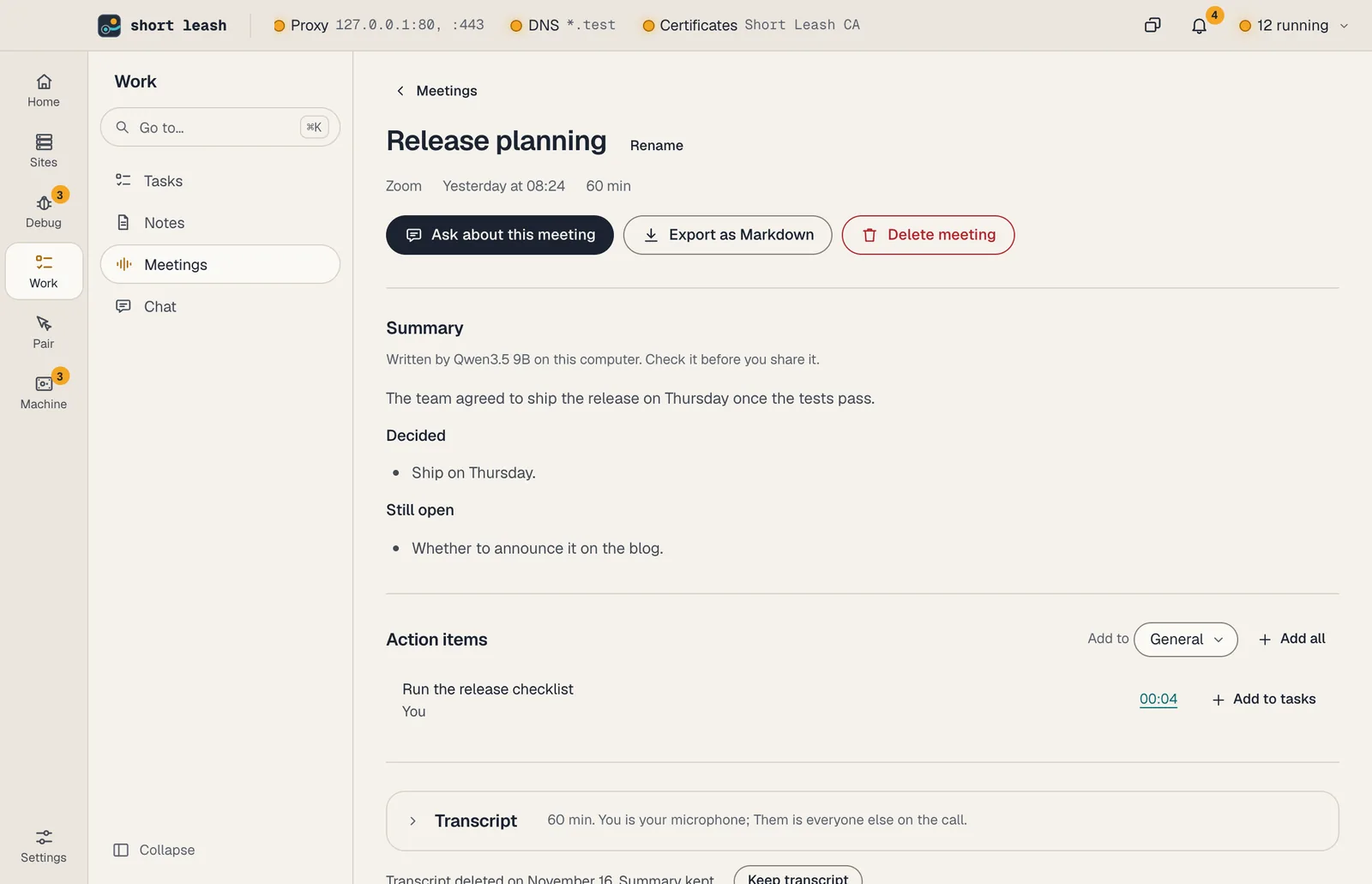
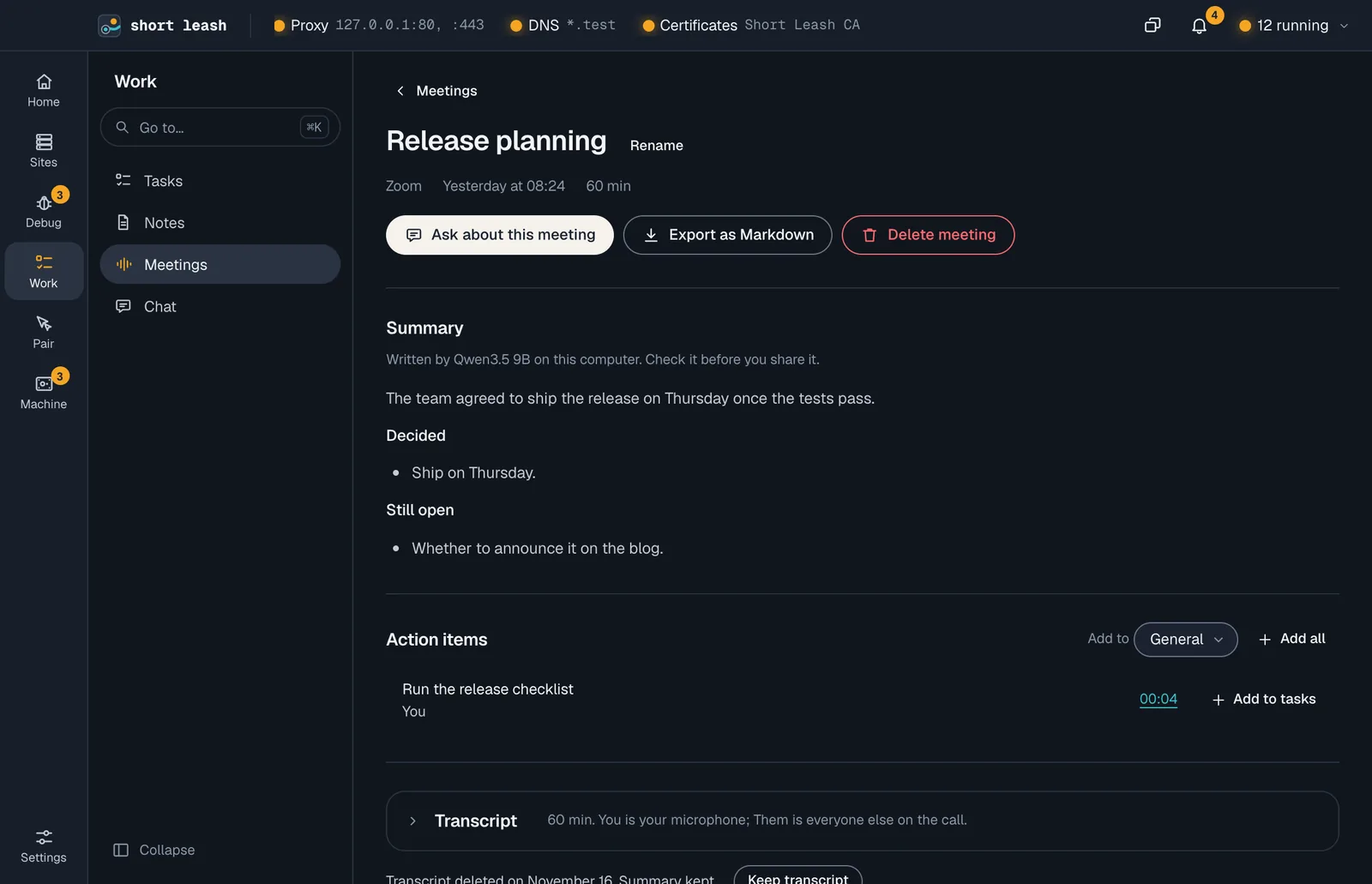
With meeting notes on, a call in Zoom, Google Meet, Microsoft Teams or Slack (or FaceTime on a Mac) brings a question: Take notes, or Not this time. Notes transcribe you and the others while a banner shows Taking notes, then a summary with action items is written on your computer.
Only text is kept: transcripts for 30 days and summaries for a year, unless you change it. Add to tasks turns an action item into a task. Coding assistants can read your meetings only after you turn on Let coding assistants read meeting notes.
- You and Them, told apart by where the sound came from, never by voiceprints
- Take notes in a Pair call's bar works the same way
A chat that asks first, and tools for your agents
Work › Chat reads your sites, logs, requests and the Monitor's findings through the same tools coding agents use. Reads run on their own; starting or stopping something, creating a database, adding a task or writing a note waits for you, showing every value it would use. On the smaller 4B model, chat only reads and offers no actions. Each site has its own Chat page too, where every read stays on that site. Chat can read a site's changes, uncommitted or on its branch, with any character that hides text shown as a code like ⟦U+202E⟧, and Ask in chat on the Changes page starts one with a file's diff already read in.
Connect a coding agent in one click: Settings › Coding assistants (MCP) adds Short Leash to Claude Code, VS Code or Cursor through each app's own command or install link, and never edits their settings files. Through leash mcp the agent gets 82 tools, from slow routes and N+1 queries to running code inside a site, and it can hand the writing of a change to Short Leash's model in a branch workspace with delegate_to_local, then review it. Your own scripts can use Short Leash's model too, through an OpenAI-compatible API that only answers on 127.0.0.1.
From your terminal and your assistant
The leash command
leash ai chatleash ai chatsleash meetings listleash mcpEvery command is in the CLI reference.
Tools your coding assistant can use
Connect Short Leash once with claude mcp add --scope user leash -- leash mcp; Settings › Coding assistants (MCP) has the setup for other assistants. Coding assistants
Questions
Does Short Leash send my voice, calls or questions to the cloud?
No. Dictation, meeting notes and chat run on your computer. No audio is ever saved, and nothing you say, ask or Short Leash reads is sent anywhere.
Which AI models does Short Leash use?
For speech, Parakeet Ultra (CC-BY-4.0) for English and other European languages, and other open models for the rest. For chat and summaries, Qwen (Apache-2.0): the 9B model on an Apple-silicon Mac with 16 GB of memory or with a graphics card that has 8 GB, a smaller one otherwise, and a larger one on big machines. Settings › Models shows the choice and lets you pick another.
Can Short Leash's chat change things without asking?
No. Reads run on their own, and every action opens a confirm that names it and shows each value, with focus on Don't run. On the smaller 4B model, chat only reads and offers no actions. Sharing a site, letting someone into a Pair call and running code are never offered to chat at all.
Can I ask Short Leash's chat about just one site?
Yes. Open the site's Chat page, or run leash ai chat --site northwind. Every read and action that takes a site uses that one, whatever the model asks for.
Does Short Leash record my meetings on its own?
Never. Meeting notes are off until you turn them on, and every call starts with you choosing Take notes, with a banner showing the whole time. Letting everyone on the call know is up to you.
Can a coding agent hand work to Short Leash's local model?
Yes. With delegate_to_local, an agent connected through leash mcp gives the model a task and the files it may change in a branch workspace, then reviews what it wrote. The model gets no tools and runs nothing, Short Leash writes its files only in that branch workspace, and nothing is committed.
Can other apps use Short Leash's local model?
Yes, once you turn on Let other apps use the model in Settings › Models › Models and settings. It's an OpenAI-compatible API on 127.0.0.1:9915 with its own key, refusing requests from web pages.
Start free, try Pro for 14 days
Download Short Leash for Mac or Windows. Every Pro feature is on for your first 14 days, with no card and no account.