What this branch changed
On this page
Before you open a pull request, the Branch report says what your branch did to the site: which routes got slower or started failing, which issues it brought or fixed, and the N+1s and slow queries that are new. It's read from what the Monitor saw while you used the site on this computer.
The branch report is part of Short Leash Pro, like the rest of the Monitor.
Where is it?
A site's Overview previews its branch against main (or the site's default branch) under its health tiles. Branch report opens the whole of it.
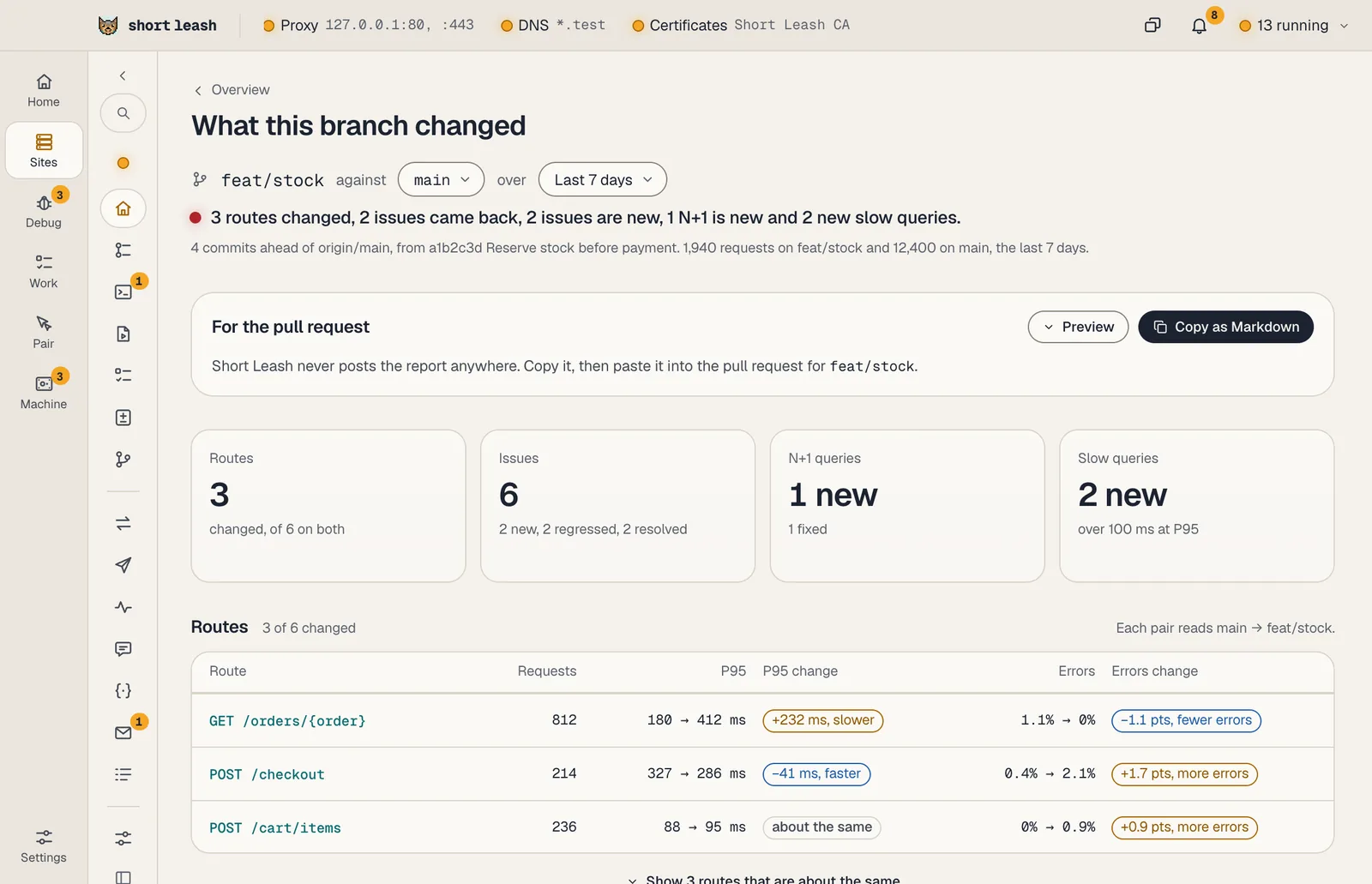
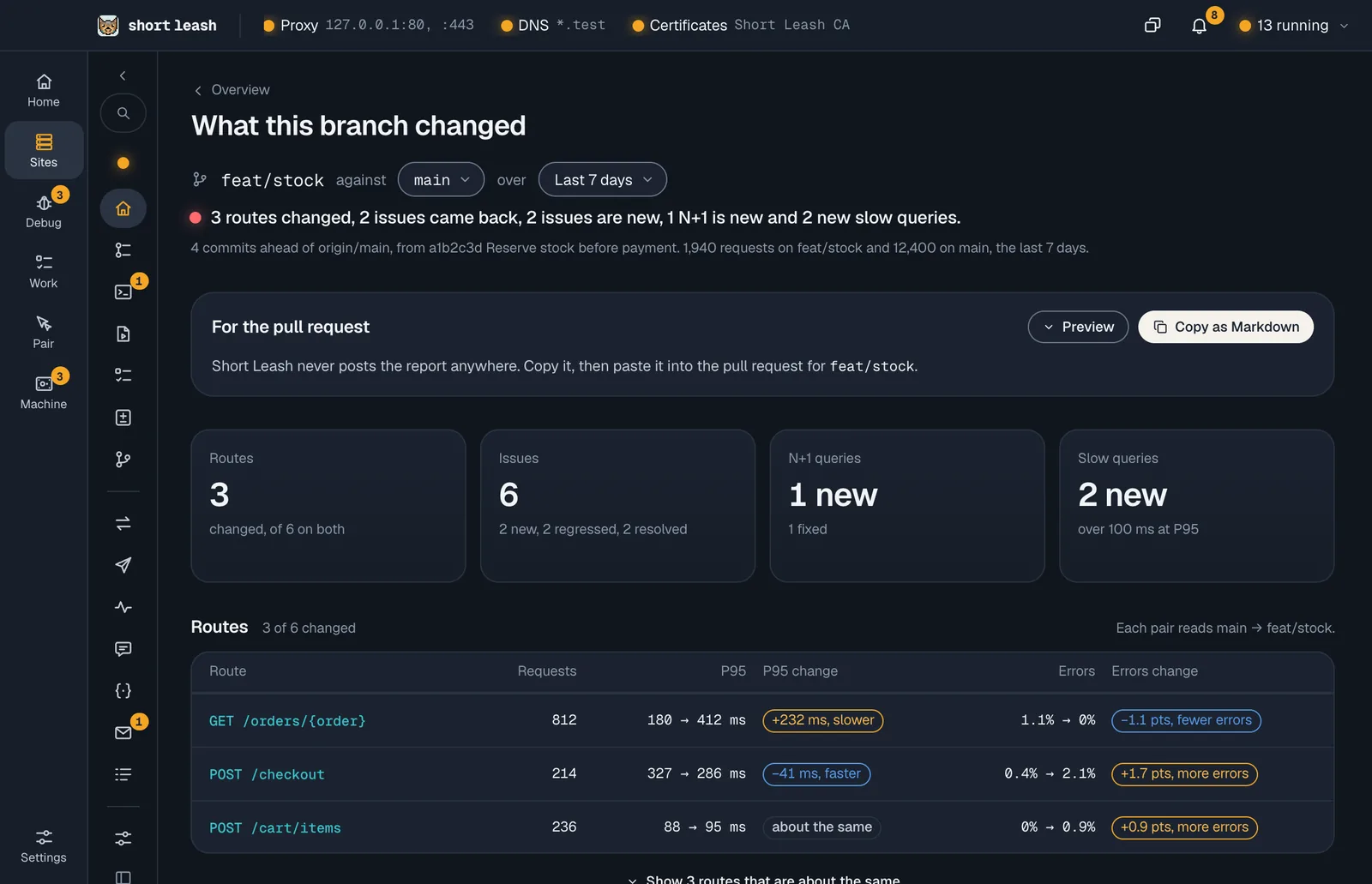
What does it compare?
The Monitor files every request, job and command under the branch and commit that were checked out when it ran. The report compares the branch's with its base's:
- Routes: each route's P95 and errors on both sides, and whether they changed past the usual spread. A route with too few requests on either side says so instead of guessing.
- Issues: issues new on the branch, back since one of its commits, or resolved at one of them. These show even without a base to compare with.
- N+1 queries: those the branch brought and those it fixed.
- Slow queries: query shapes over the slow query threshold that the base doesn't run.
Pick the range (the last 24 hours, 7 days or 30 days, or since it branched) and the base: main, another branch, or Before it branched, the week before the branch's first request. When the base has no requests, the report says so and how to get some: check out main and use the site for a few minutes, or compare with the week before it branched.
Home's Needs a look marks an N+1 found on a branch as new once main doesn't have it.
How do I put it in the pull request?
Copy as Markdown, under For the pull request, copies the report: routes, query shapes and issue titles only, never request data, headers or bodies. Preview shows exactly what's copied first. Short Leash never posts it to GitHub; you paste it. If you've turned on reading pull requests in Settings › Chat, the report names the branch's pull request, read through your own gh.
AI agents read the same report with get_branch_report.
Is anything kept or sent?
No. The report is worked out from the Monitor's history each time it's opened, and nothing about it is stored or goes online, apart from reading the pull request's number when you've turned that on.