Issues
On this page
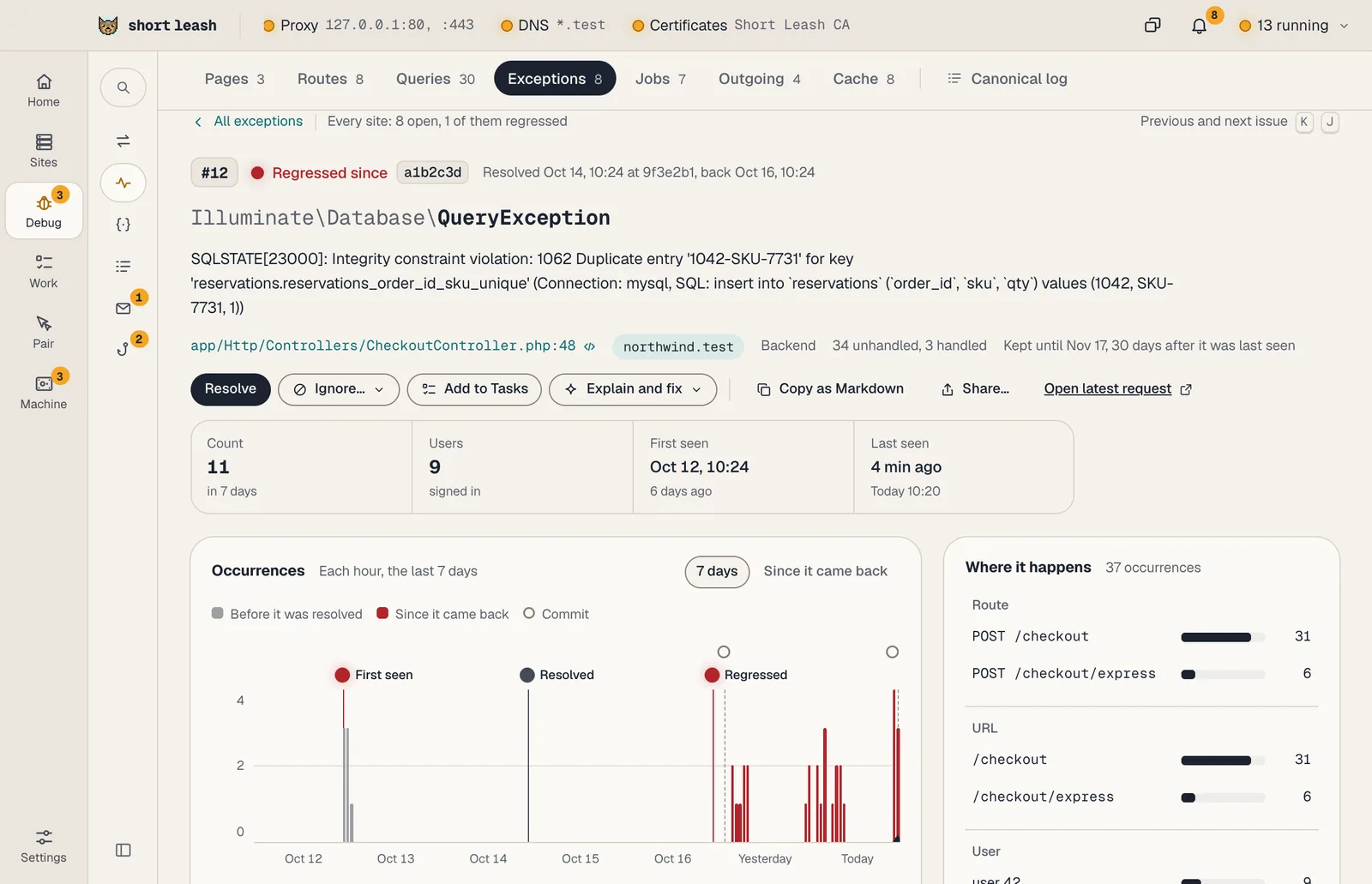
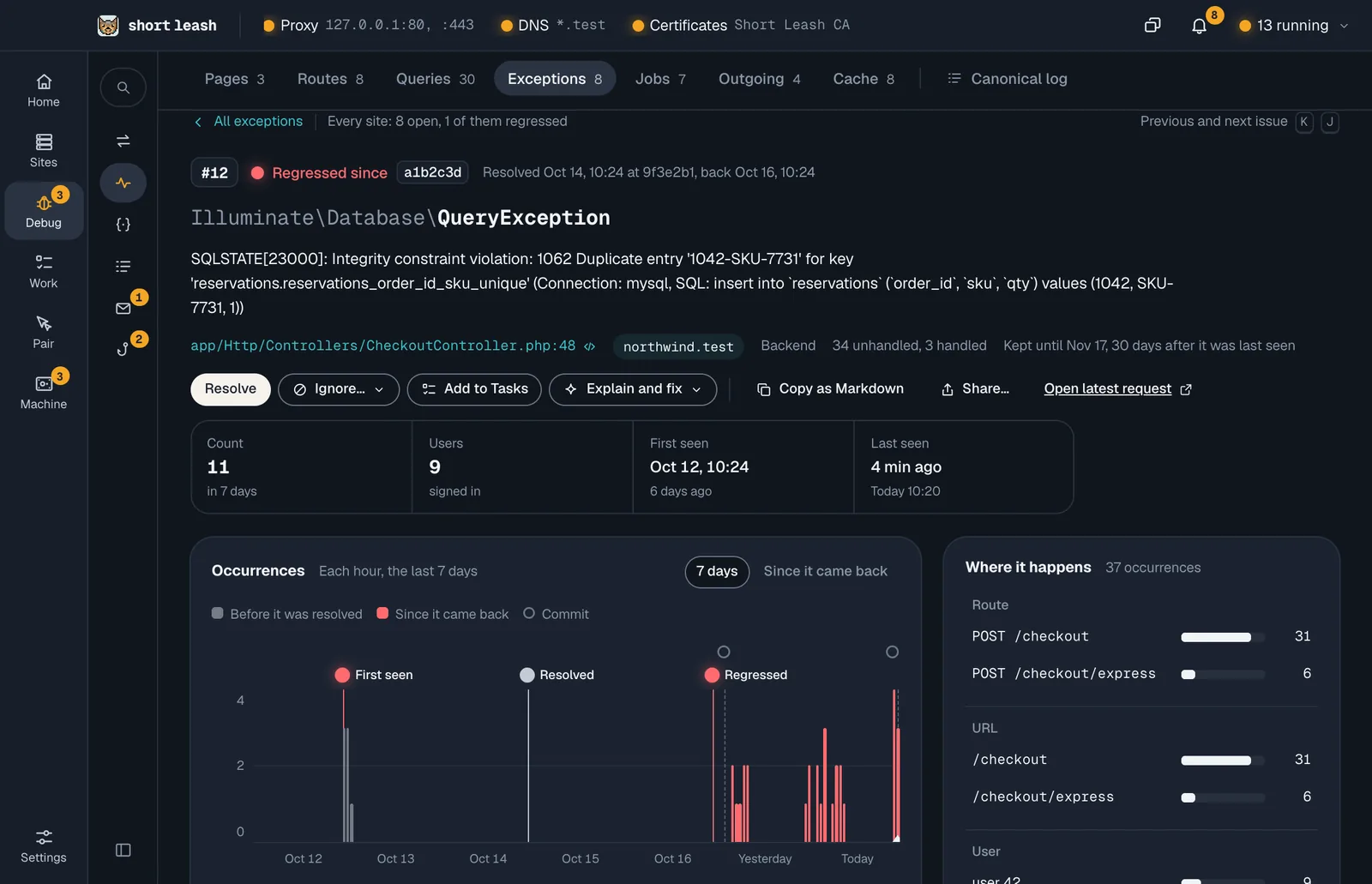
The Monitor groups the exceptions your sites throw, back end and browser alike, and each group is an issue: a number within its site, such as #12, and a status. Resolve one when you've fixed it, and it stays resolved until the exception truly happens again; then it opens as Regressed, with the commit it came back on.
Issues are part of Short Leash Pro, like the rest of the Monitor.
Where are issues?
The Monitor's Exceptions tab lists them, for every site or the one you chose, each with its status, how often it happened and a day of occurrences beside it. The tab counts the open issues, regressed ones included. Filter by Open, Regressed, Resolved or Ignored, and search with /.
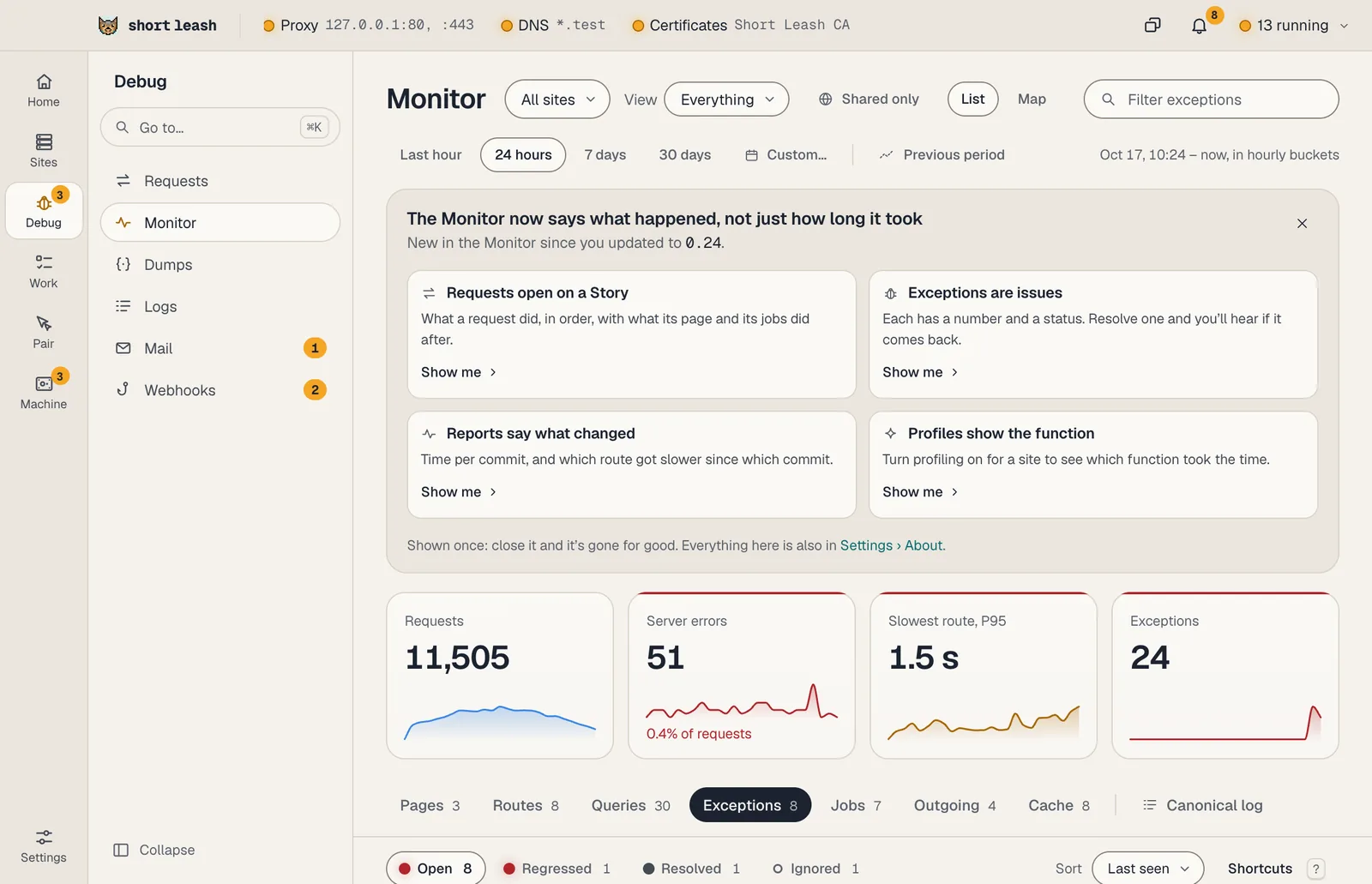
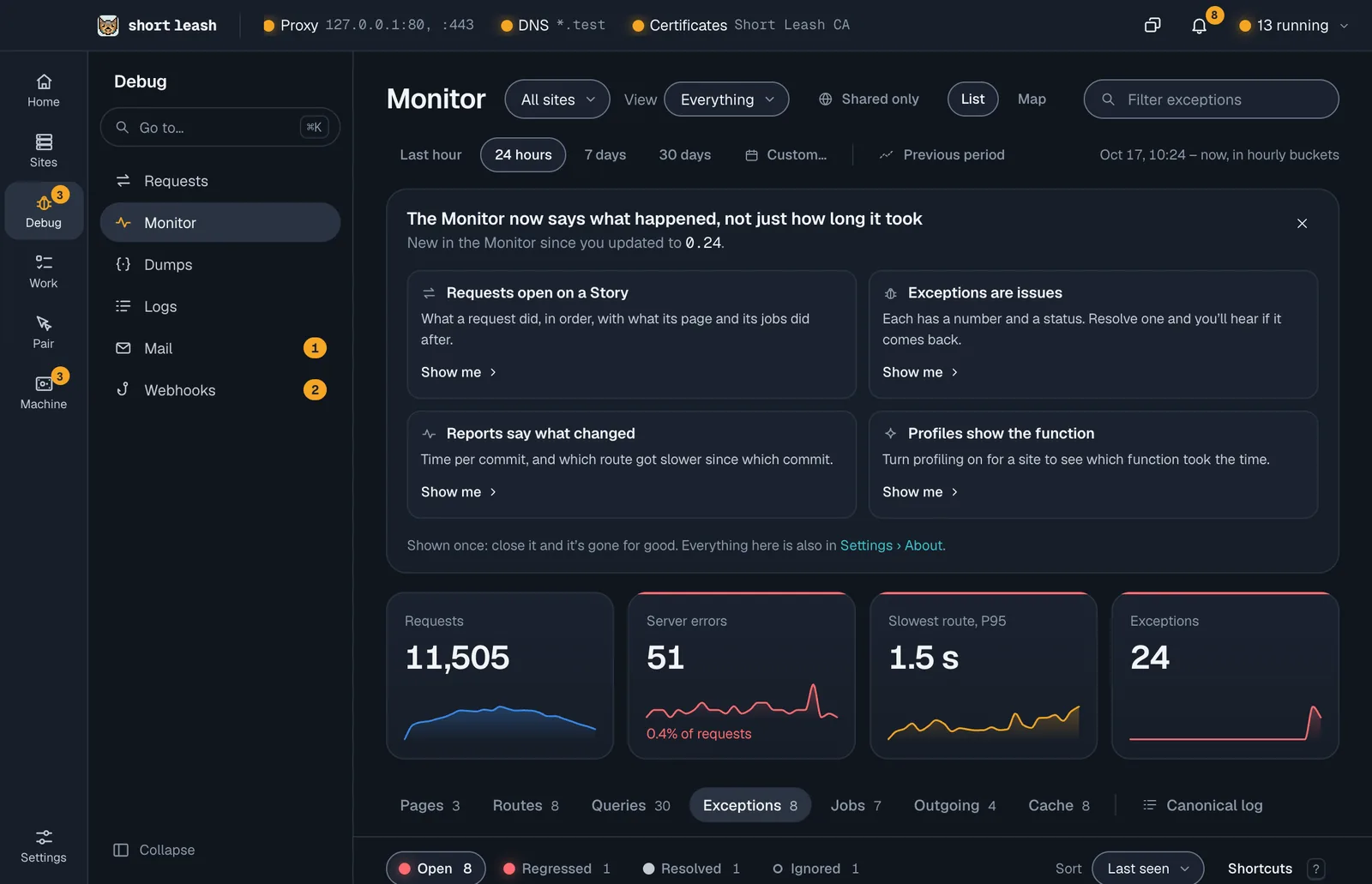
A site's Overview shows its open issues among its health tiles, with one that came back first, and Home's Needs a look puts a regressed issue first among the Monitor's failures, with the commit it came back on.
What do the statuses mean?
| Status | What it means |
|---|---|
| Open | It's happening and nobody has resolved it yet |
| Regressed | It was resolved, then happened again: it says since which commit |
| Resolved | You, an agent, the Monitor or a finished task resolved it, at the site's commit then |
| Ignored | Hidden for an hour, a day, until it happens 100 more times, or for good. It opens again when its time or count runs out |
An open issue that stays quiet is resolved by the Monitor after the site's number of quiet days, 14 until you choose. Set it in Site settings › Monitor › Issues; 0 never resolves one on its own. A site without Git still gets issues, but its resolves and regressions carry no commit.
How do I resolve or ignore one?
Open it and choose Resolve or Ignore…, or do it from the list without opening it:
| Key | What it does |
|---|---|
| j and k, or the arrows | Move between issues |
| Enter | Open it |
| x | Choose it; ⇧x or ⇧ click chooses a run of them |
| r | Resolve |
| i | Ignore… |
| t | Add to Tasks |
| Esc | Clear the choice, then the search |
| ? | Show every shortcut |
With several chosen, the same actions apply to all of them at once. Undo takes back the last change.
What's in an open issue?
- Its occurrences over time, and each occurrence with its stack and the code around every frame of your app.
- What happened before it was thrown: the request's queries, logs and calls, in order.
- Where it happens most: its routes, addresses, users, branches and runtimes, where it was thrown from, and whether your app handled it.
- Who last changed the line it was thrown from, from your Git history.
- Why its occurrences count as one issue.
- Its activity: who resolved, ignored or reopened it and when, at most 200 lines.
Copy as Markdown copies it for a pull request or a coding agent, and Share… saves it, copies one part of it or sends it to your Pair call.
Can Short Leash fix it?
When Short Leash can tell the cause, the issue offers the command that fixes it, marked Known fix: a missing APP_KEY, migrations that haven't run, or a class map built before the class. It asks before running anything, shows the output as it runs, with Stop, and then sends the request that failed again, for a GET. Copy the command copies it instead.
Explain and fix opens the site's chat with the issue's stack, what happened before it, its queries and who last changed the line read in, along with a failed fix's output. Copy a prompt for your agent copies the same for your coding agent, and Add to Tasks for an agent puts it on the site's task list.
How do issues and tasks work together?
Add to Tasks on an issue, or on several chosen in the list, adds a task with the issue's snapshot as its notes. Change its title and priority first, and pick the site's list or General. The task and the issue stay linked:
- The issue shows its task and who has it.
- Marking the task done after Review resolves the issue at the commit the site is on.
- When the issue regresses, its task moves back to To do, signed Monitor; if the task was archived, a new one is added.
- Resolving the issue leaves its task alone.
An issue has one task at a time, and Undo takes a new one back for 10 seconds. In Site settings › Monitor › Issues, Add a task for new unhandled issues and regressions adds them for you. It never adds a duplicate, waits while the site's list is closed to agents, and stops when the list holds 1,000 tasks. See Tasks.
Can AI agents read issues?
Yes. get_exception_groups lists a site's issues with their numbers and statuses, get_exception_group reads one by number, and update_exception_group resolves, ignores or reopens one with a note signed with the agent's name. Short Leash's chat asks you before it changes an issue.
How long are issues kept?
An issue is kept until 30 days after it was last seen, like the rest of the Monitor's groups, except that an open issue stays while it's open. They live in the Monitor's history on your computer, with its occurrences masked like every saved request, and Clear history removes them.